
|
Do it yourself
| |||
| ||||



Video tutorial
Replacing the battery inside the remote of your second-generation Jaguar XF is very simple, so you can do it yourself. Just follow the steps below. First, ensure you have a new compatible battery for your Jaguar XF key, which is a CR2032 battery. Next, slide the emergency key out from inside the cover and disassemble the cover. Finally, remove the old battery and replace it with the new one. Reassemble the protective cover and test the remote's functionality.
Posted on 13 November 2026 by ScegliAuto
Related tutorials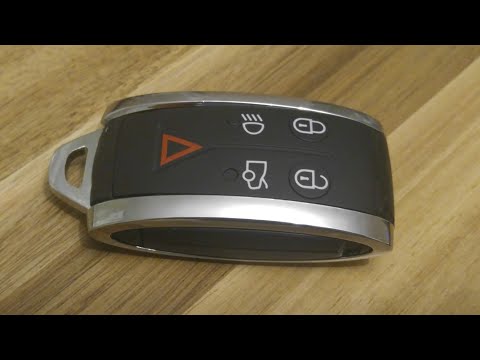
Jaguar Xf
(2008-2015 /
MK 1)
To replace the remote battery on a Jaguar XF, press the side button to extract the key blade from the top. Once removed, slide off the chrome covers …
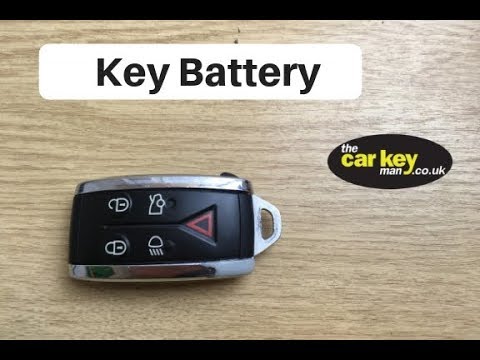
Jaguar Xf
(2008-2015 /
MK 1)
In today's video, you will see how to open the key remote of a Jaguar XF to replace the internal battery. First, take the remote and remove the silve…
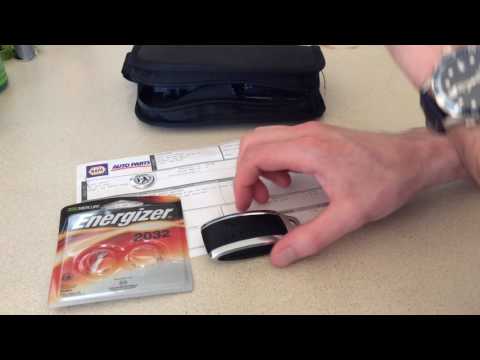
Jaguar Xf
(2008-2015 /
MK 1)
This guide will show you how to disassemble and replace the battery of the Jaguar XF key fob. First, take your remote and remove the physical key fro…
Other guides you may be interested in
|
How to Open the Fuel Door of the MG ZS?
To open the fuel door of the MG ZS, access the interior of the vehicle to locate the lever that unlocks the fuel door. This lever is located on the lower left side of the dashboard, near the steering column. Pull the lever to open the fuel door, allowing you to unscrew the cap underneath for refueling. After refueling, replace the fuel cap and securely close the fuel door. by ScegliAuto More videos
|
|
For advertising on this site Write to info@scegliauto.com
ScegliAuto is not responsible for any inaccuracy of the data in the lists. To report any inaccuracy or your business (if you own the business in question), please write to info@scegliauto.com
Number of seconds to generate the page: 0.128
(c) ScegliAuto 2026 - info@scegliauto.com - Privacy policy VAT number: IT01247470535 |
