
|
Do it yourself
| |||
| ||||


Jaguar X-Type - KeyKey Jaguar X-Type (2001-2009 / mk 1) Jaguar X-Type (2001-2009 / MK 1)
Replacing the battery of the Jaguar X-Type key remote We will briefly see the instructions on how to disassemble and replace the battery of the Jaguar X-Type key remote. First, let's take our remote and start …Read all… Posted on 18 January 2026 by ScegliAuto  Jaguar X-Type (2001-2009 / MK 1)
How to replace the battery of the key remote for the Jaguar X-Type. Let's see the steps that will allow us to disassemble and replace the battery of the key remote of the Jaguar X-Type. First of all, we take our remote control …Read all… Posted on 24 May 2025 by ScegliAuto 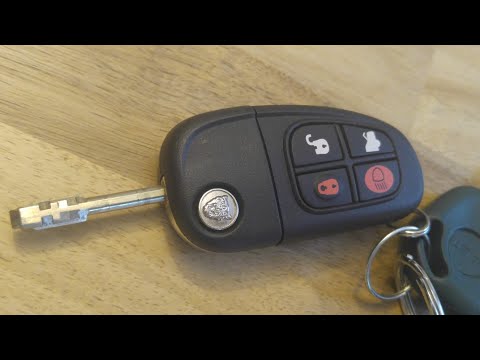 Jaguar X-Type (2001-2009 / MK 1)
Replacing the Key Fob Battery on Jaguar X Type Let's look at how to remove the battery from the key fob on a Jaguar X Type. Take your remote and use a screwdriver to pry between the two halves until they …Read all… Posted on 21 June 2026 by ScegliAuto 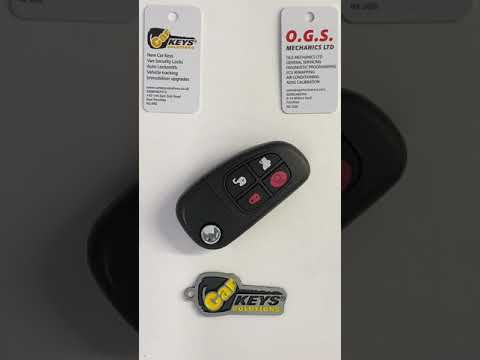 Jaguar X-Type (2001-2009 / MK 1)
Replacing the Key Battery on Jaguar Cars Use a small flathead screwdriver to pry in the small slot at the back of the casing to split it into two parts. Now, as shown in the video, pry again with the …Read all… Posted on 22 May 2026 by ScegliAuto 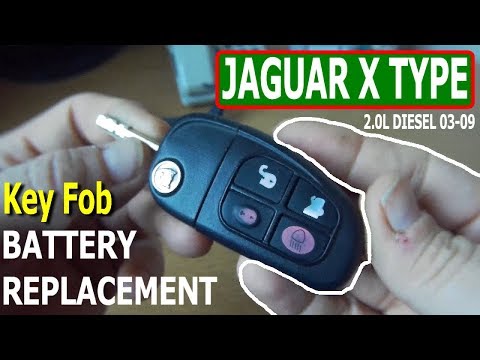 Jaguar X-Type (2001-2009 / MK 1)
How to Change the Remote Key Battery for Jaguar X Type Is your remote key not working? Let's see how to disassemble the key in all its parts. Pry open the two covers of the key with a screwdriver (in the gap …Read all… Posted on 18 May 2026 by ScegliAuto 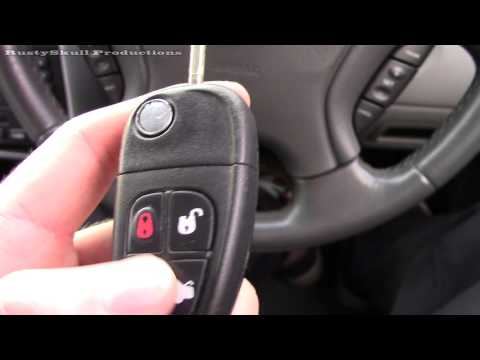 Jaguar X-Type (2001-2009 / MK 1)
How to Replace the Key Fob Battery on Jaguar X-type and S-type Today, you will learn how to disassemble and replace the battery in the key fob for a Jaguar X-type, as well as the S-type. First, take your key fob and pry …Read all… Posted on 10 May 2026 by ScegliAuto Air conditioning (1) Car stereo (4) Battery (1) Ignition coil (1) Glove compartment (1) Key (6) Timing belt (2) Dashboard (1) Headlight (1) Air filter (3) Cabin air filter (2) Grille (1) Accessory kit (1) Headlight bulb (4) Handle (1) Transmission fluid (1) Clock (1) Door trim panel (1) Front bumper (1) Fuse box (2) Seat (2) Side mirror (1) Service warning light (1) Center console tunnel (1) EGR valve (1) Side window (1) Steering wheel (1) |
How to reset the tire pressure sensor of the Hyundai Tucson
Below we will discover the instructions that will allow us to reset the tire pressure warning light (TPMS) of the Hyundai Tucson. First of all, we get into the car and turn on the instrument panel; then we go to the vehicle settings until we reach the tire pressure monitor, identifying the tire with the incorrect pressure. At this point, we proceed to restore all tire pressures, following the pattern indicated on the label; in this way the TPMS system will be reset and the warning light will be reset by the instrument panel! by ScegliAuto More videos
|
|
For advertising on this site Write to info@scegliauto.com
ScegliAuto is not responsible for any inaccuracy of the data in the lists. To report any inaccuracy or your business (if you own the business in question), please write to info@scegliauto.com
Number of seconds to generate the page: 0.008
(c) ScegliAuto 2026 - info@scegliauto.com - Privacy policy VAT number: IT01247470535 |
