
|
Do it yourself
| |||
| ||||


|
Model: Kawasaki Vulcan S
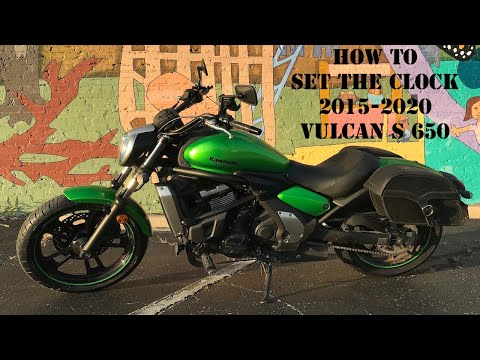
Today’s guide will show you how to change the time on the display of the instrument panel on the Kawasaki Vulcan S. First, place the bike on its stand and turn on the instrument panel; then press and hold the right menu button until the clock display starts flashing (entering the setting mode), as shown in the video. At this point, modify the hour and then the minutes, pressing the left button on the panel to exit the setting and save the changes made to the clock.
Posted on 4 March 2026 by ScegliAuto
Video tutorial
Related tutorials
Vulcan S
In this tutorial, you will learn how to set the time on the Kawasaki Vulcan S, a very simple and quick task, for example, after disconnecting the bat…
Vulcan S
In this tutorial, you will see how to set the time on a Kawasaki Vulcan S, a very simple and quick operation to perform, for example, after replacing…

Vulcan S
In this tutorial, you will learn how to set the time on the Kawasaki Vulcan S, a very simple and quick operation to perform, for example, after repla…
|
How to Replace the Exhaust on the Royal Enfield Himalayan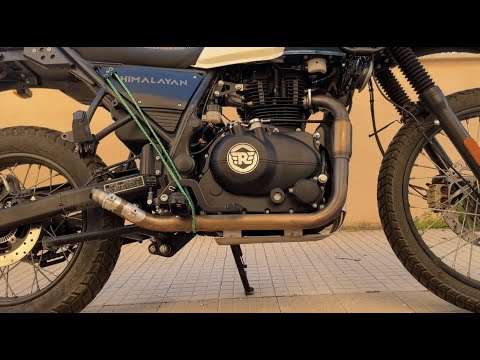
To replace the exhaust on the Royal Enfield Himalayan, you need to loosen the screws that secure the exhaust end can to its housing, located on the right side of the vehicle: once the mounting screws are loosened, you can proceed to widen the clamp connecting the exhaust end can to the corresponding manifold. This will allow you to remove the old exhaust, so you can fit the new one: the new exhaust must now be secured in place and connected to ensure everything works. by ScegliAuto More videos
|
|
For advertising on this site Write to info@scegliauto.com
ScegliAuto is not responsible for any inaccuracy of the data in the lists. To report any inaccuracy or your business (if you own the business in question), please write to info@scegliauto.com
Number of seconds to generate the page: 0.008
(c) ScegliAuto 2026 - info@scegliauto.com - Privacy policy VAT number: IT01247470535 |
