
|
Do it yourself
| |||
| ||||


How to Replace the Rear Brake Pads on a Kawasaki Z125
Model: Kawasaki Z125
Video tutorial
In this video tutorial, you will learn how to remove and replace the front and rear brake pads on the 2020 Kawasaki Z125 in simple steps. First, remove the brake caliper from the disc; to do this, unscrew the two fixing bolts using a socket spanner, as shown in the video. At this point, you can remove the old pads and clean the caliper of dirt; now, push back the piston to insert the new brake pads, following the video tutorial to the end!
Updated on 27 April 2026 by ScegliAuto
Related tutorials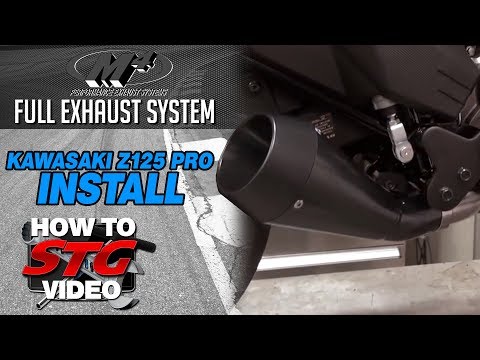
Z125
To replace the exhaust on a Kawasaki Z125, loosen the screws that secure it to its housing located on the right side of the bike, near the rear wheel…

Z125
To replace the battery of the Kawasaki Z125, loosen the screws that secure the seat to its housing: once the screws are loosened, you can remove the …

Z125
In this tutorial, you will learn how to replace the headlight bulb on a Kawasaki Z125, a very simple and quick operation. First, ensure that the key …
|
How to Remove the Rear Wheel of the GasGas EC 250?
To remove the rear wheel of the GasGas EC 250, first dismantle the chain by removing it from the sprocket attached to the rear wheel. Once the chain is removed, you can unscrew the nut that secures the rear wheel spindle and holds it to the swingarm. When the securing spindle is removed, you can completely take out the wheel from its housing and replace it with a new spare part. After replacement, refit the securing spindle and reposition the chain around the sprocket. by ScegliAuto More videos
|
|
For advertising on this site Write to info@scegliauto.com
ScegliAuto is not responsible for any inaccuracy of the data in the lists. To report any inaccuracy or your business (if you own the business in question), please write to info@scegliauto.com
Number of seconds to generate the page: 0.006
(c) ScegliAuto 2026 - info@scegliauto.com - Privacy policy VAT number: IT01247470535 |
