
|
Do it yourself
| |||
| ||||


Model: Keeway Rkf 125
Below are the steps to install the USB socket on the Keeway RKF 125 motorcycle. First, place your motorcycle on its stand and begin by removing the seat; then prepare the USB socket preferably under the instrument cluster, routing the wiring to the battery terminals, as shown in the video. At this point, install a fuse to protect the USB socket; then check the charging function from the USB socket, trying to use it when the engine is running (to avoid draining the battery).
Updated on 18 August 2026 by ScegliAuto
Video tutorial
Related tutorials
Rkf 125
This guide provides the main instructions for installing the side LEDs on the Keeway RKF 125 motorcycle. First, place your motorcycle on a stand and …

Rkf 125
Follow the main steps to remove and replace the standard number plate holder on the Keeway RKF 125 motorcycle. First, place your motorcycle on a stan…
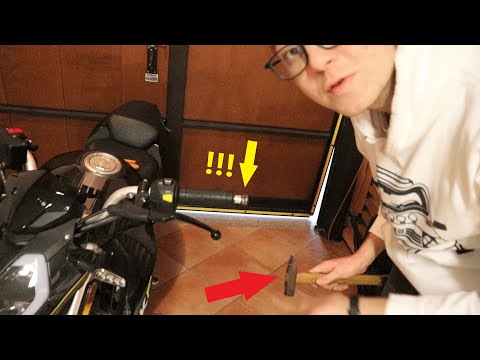
Rkf 125
In this tutorial, learn how to remove and replace the mirrors on a Keeway RKF 125 in simple steps. First, remove the hard plastic on the mirror stem …
|
How to Change the Engine Oil on a Ducati Hypermotard?
You can change the engine oil on a Ducati Hypermotard by loosening the drain plug located at the central lower part of the bike: once the plug is unscrewed, you can let the used oil flow completely into a container placed underneath. Once the plug has been removed, you can proceed by sliding the oil filter out of its seat to insert the new one; at this point, you can continue with the top-up, pouring the necessary amount of oil through the breather on the left side of the bike. by ScegliAuto More videos
|
|
For advertising on this site Write to info@scegliauto.com
ScegliAuto is not responsible for any inaccuracy of the data in the lists. To report any inaccuracy or your business (if you own the business in question), please write to info@scegliauto.com
Number of seconds to generate the page: 0.007
(c) ScegliAuto 2026 - info@scegliauto.com - Privacy policy VAT number: IT01247470535 |
