
|
Do it yourself
| |||
| ||||


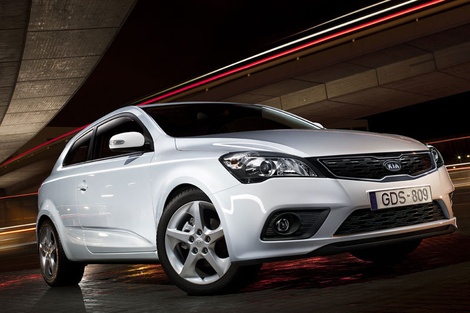
How to replace the car stereo in the KIA Cee'd?
Model: Kia Cee D
MK 1
- Years:
2006, 2007, 2008, 2009, 2010, 2011, 2012
Video tutorial
In this tutorial we can see how to replace the car radio in the KIA Cee'd, an extremely simple and quick operation. First of all, make sure that the key is not inserted, in order to operate safely, then pry along the perimeter of the console with a plastic spatula and detach it from the dashboard. Next, unscrew the four screws that have just been released using a Phillips screwdriver, grab the radio and remove it from the housing. At this point, all that remains is to disconnect the internal connector, insert the replacement and reassemble everything.
Posted on 29 January 2025 by ScegliAuto
Related tutorials
Kia Cee D
(2006-2012 /
MK 1)
Let's see how to replace the radio in a Kia Cee D. Remove the front cover of the dashboard with a trim tool, then remove the cover of the stereo (as …

Kia Cee D
(2006-2012 /
MK 1)
The fuses in the Kia Cee'd are located inside the designated fuse boxes installed in the vehicle: this type of car has two fuse boxes. The first is f…

Kia Cee D
(2018-2024 /
CD, MK 3)
After a brief clarification that this video guide applies to multiple Kia vehicle models, including the Kia Cee'd, we will now describe the procedure…
Other guides you may be interested in
|
How to open the bonnet on a Volkswagen Golf?
In this tutorial, you will see how to open the bonnet on a Volkswagen Golf MK4. This is a very simple operation that follows the standard procedure. First, open the driver's door, then locate the lever in the lower left area and pull it. Next, move to the front of the vehicle, lift the bonnet slightly, and find the second lever located just above the Volkswagen logo. At this point, simply pull it towards you, fully open the bonnet, and secure it with the prop rod. To close it, gently push it down. by ScegliAuto More videos
|
|
For advertising on this site Write to info@scegliauto.com
ScegliAuto is not responsible for any inaccuracy of the data in the lists. To report any inaccuracy or your business (if you own the business in question), please write to info@scegliauto.com
Number of seconds to generate the page: 0.116
(c) ScegliAuto 2026 - info@scegliauto.com - Privacy policy VAT number: IT01247470535 |
