
|
Do it yourself
| |||
| ||||


To reset the oil indicator on the 2018 Kia Ceed.
Model: Kia Cee D
MK 2, JD
- Years 2012-2018
If you own a second-generation Kia Ceed (2018) and want to learn how to manually reset the service light, then all you have to do is follow the steps described in our new guide. First of all, turn on the ignition and press the menu button located on the right side of the steering wheel. Once inside the menu, scroll through it until you find the vehicle settings and then select the "Service interval" option. At this point, confirm the reset of the light and within a few moments, the procedure will be successfully completed. If there are any errors, simply restart the ignition and repeat the process from the beginning.
Posted on 14 September 2023 by ScegliAuto
Video tutorial
Related tutorials
Kia Cee D
(2018-2024 /
MK 3, CD)
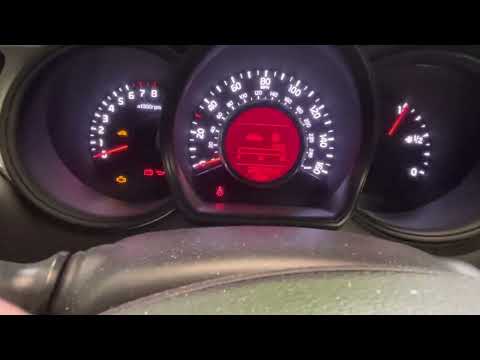
Below we will see the instructions that will allow us to reset the regular maintenance warning for the oil change (service) of the Kia Ceed. First of…
Kia Cee D
(2012-2018 /
MK 2, JD)
In this new guide dedicated to your Kia Ceed (2012-2018), we will show you a very simple and quick method through which you can manually reset the se…

Kia Cee D
(2018-2024 /
MK 3, CD)
Let’s see how to reset the service light on the Kia Ceed, in the attached video the model produced in 2019 is shown. Assuming that all scheduled work…
Other guides you may be interested in
|
Entering Radio Code for Nissan Qashqai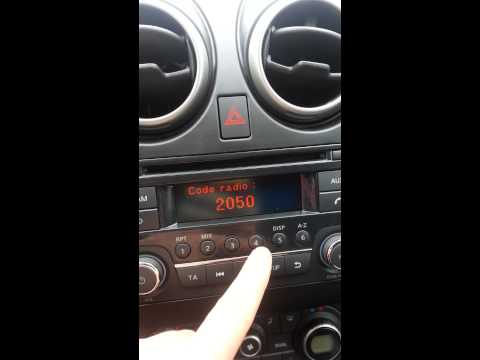
Today, in this very short video tutorial, you will learn how to enter the radio code for a Nissan Qashqai. The radio code can be found in the car's manual, provided by the manufacturer; sometimes it can also be found on the back of the radio. First, get inside the vehicle: when you turn on the radio, it will prompt you to enter the unlock code: input the code as shown in the video. At this point, the radio will unlock, and you can listen to all the music you want! Sometimes the code may not match yours. Check the manual for the correct code. by ScegliAuto More videos
|

|
For advertising on this site Write to info@scegliauto.com
ScegliAuto is not responsible for any inaccuracy of the data in the lists. To report any inaccuracy or your business (if you own the business in question), please write to info@scegliauto.com
Number of seconds to generate the page: 0.112
(c) ScegliAuto 2026 - info@scegliauto.com - Privacy policy VAT number: IT01247470535 |
