
|
Do it yourself
| |||
| ||||


Model: Kymco Ak550
In this new guide dedicated to all of you who own a Kymco Ak550, we will discover the steps you need to take to manually change the time displayed on the central dashboard. First, turn on the dashboard if it is still off, then locate the two buttons with arrows located on the right handlebar. Press the "M" button and then use the lower button to scroll through the various menu options. Once you see the "Oil" option, hold down the small orange button until the reset is complete and you are done.
Posted on 16 February 2025 by ScegliAuto
Video tutorial
Related tutorials
Sky Town
To manually reset the service light on your Kymco Sky Town, simply follow these steps and apply them in the correct order. First of all, turn on the …
People S 125
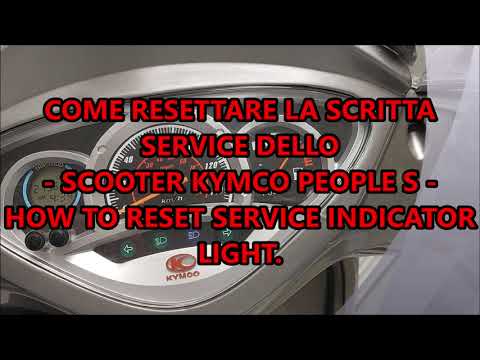
In this guide, you will learn a simple and effective method to reset the service light on your Kymco People S 125 in just a few minutes without the n…

Cv3
In today's tutorial, you will see the step-by-step procedure to reset the service on a Kymco CV3 using only the buttons on the right handlebar. Let's…
|
How to Replace the Rear Indicator Bulb on the Sym Mio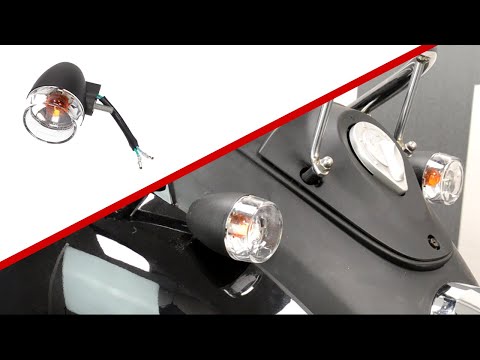
To replace the rear indicator bulb on the Sym Mio, you need to loosen the screws that secure the rear fairing of the motorcycle: to do this, you will also need to open the under-seat compartment and loosen the screws that secure the fairing from the inside. Once it is released, you can completely detach it and disconnect the connector attached to the corresponding bulb. The bulb can now be extracted from its housing, allowing you to insert the new one: this way, you can reassemble all the removed parts to ensure everything works correctly. by ScegliAuto More videos
|
|
For advertising on this site Write to info@scegliauto.com
ScegliAuto is not responsible for any inaccuracy of the data in the lists. To report any inaccuracy or your business (if you own the business in question), please write to info@scegliauto.com
Number of seconds to generate the page: 0.010
(c) ScegliAuto 2026 - info@scegliauto.com - Privacy policy VAT number: IT01247470535 |
