
|
Do it yourself
| |||
| ||||


How do you reset the service light on the Kymco Downtown 300i?
Model: Kymco Downtown 300i
Video tutorial
Here we are at the moment when the service light appears on the instrument panel of our Kymco Downtown 300i scooter, which means performing scheduled maintenance, and probably not just the usual oil change and oil filter, but also other interventions, such as spark plugs, transmission kits, brakes, etc. Once this is done, we proceed to cancel the warning using a diagnostic tool like the one shown in the attached video, in fact it is enough to connect it via cable to the vehicle, configure it and search for the appropriate section on which to reset the light.
Posted on 16 April 2025 by ScegliAuto
Related tutorials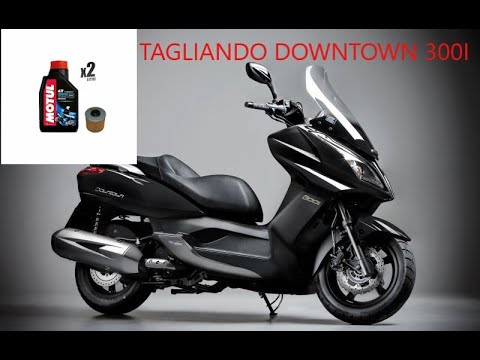
Downtown 300i
First, sit on the seat of your Kymco Downtown 300i. Start by activating the instrument panel by turning the key in the ignition switch. Next, press a…

Downtown 300i
Has your Kymco Downtown 300i covered a certain number of miles and the Service light has come on? If you prefer to handle the engine oil change yours…
Downtown 300i
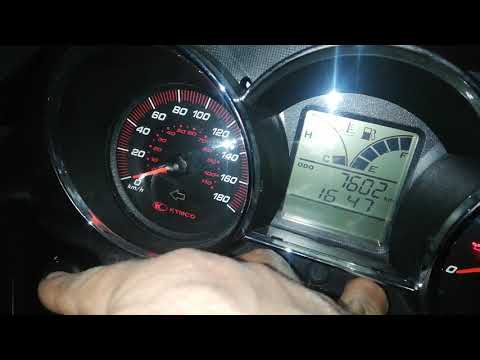
This guide outlines the procedure necessary to reset the service light for the regular oil change maintenance on the Kymco Downtown 300i scooter. Fir…
|
How to Set the Time on a Suzuki Burgman 650 Scooter?
In this tutorial, you will learn how to set the time on a Suzuki Burgman 650 scooter, a very simple and quick operation to perform after disconnecting the battery or when switching to daylight saving time. First, insert the key, then turn on the instrument panel and press the two buttons located below the display until the clock starts to flash. At this point, adjust the hour using the "Select" button, set the minutes with the "Adjust" button, and save the setting by pressing both buttons again. by ScegliAuto More videos
|
For advertising on this site Write to info@scegliauto.com
ScegliAuto is not responsible for any inaccuracy of the data in the lists. To report any inaccuracy or your business (if you own the business in question), please write to info@scegliauto.com
Number of seconds to generate the page: 0.006
(c) ScegliAuto 2026 - info@scegliauto.com - Privacy policy VAT number: IT01247470535 |
