
|
Do it yourself
| |||
| ||||


Battery Replacement on the Kymco Downtown 300i
Model: Kymco Downtown 300i
This video is currently unavailable
Follow these simple steps to remove and replace the battery on the Kymco Downtown 300i scooter. First, open the seat of your scooter; then proceed to remove the internal storage compartment by unscrewing the fixing screws with a socket spanner. At this point, you can access the battery, where you will disconnect the two terminals (positive and negative); remove the battery and replace it with a new one (of the correct type and with the same amperage). Finally, reassemble everything by reversing the disassembly procedure!
Updated on 7 May 2026 by ScegliAuto
Related tutorials
Downtown 300i
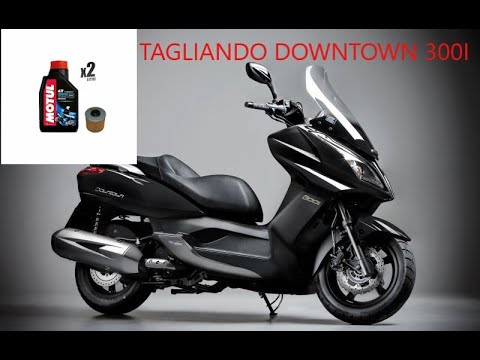
To replace the battery of the Kymco Downtown 300i, lift the seat to access the components inside the under-seat compartment. Remove all screws securi…
Downtown 300i
First, sit on the seat of your Kymco Downtown 300i. Start by activating the instrument panel by turning the key in the ignition switch. Next, press a…

Downtown 300i
To replace the battery on the Kymco Downtown 300i, lift the seat to access the under-seat compartment. This compartment, along with its seat, must be…
|
How to Replace the Clutch on a Kymco Downtown 125?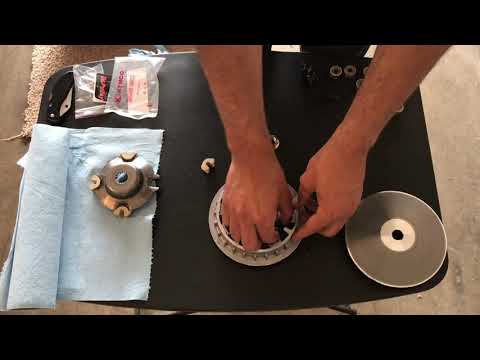
To replace the clutch on the Kymco Downtown 125, loosen the screws that secure the cover located on the left side of the bike, near the rear wheel. Once the screws are loosened, remove the cover to access the components underneath: the clutch at the rear can be removed by unscrewing the fixing screws and sliding out all the discs that make it up. At this point, insert the new replacement part, reposition the drive belt, and cover everything with the cover. by ScegliAuto More videos
|
|
For advertising on this site Write to info@scegliauto.com
ScegliAuto is not responsible for any inaccuracy of the data in the lists. To report any inaccuracy or your business (if you own the business in question), please write to info@scegliauto.com
Number of seconds to generate the page: 0.006
(c) ScegliAuto 2026 - info@scegliauto.com - Privacy policy VAT number: IT01247470535 |
