
|
Do it yourself
| |||
| ||||


Model: Kymco Dink
To set the time on a Kimco Dink, start by making sure the scooter is turned on. Use the button on the right handlebar switch to access the settings menu. Scroll through the options until you find the one related to time or the clock. Select this option and you will be taken to another screen where you can input the correct time using the navigation buttons on the handlebar switch. Press the corresponding button to increase or decrease the hours and minutes until you reach the desired time. Once the correct time is set, confirm the selection or press a confirmation button as indicated on the screen. Now that the time has been set, exit the settings menu by pressing the exit or return button. Make sure the time displayed on the scooter screen matches the actual time. If you need further assistance, refer to the Kimco Dink owner's manual for specific instructions on setting the clock.
Posted on 12 May 2024 by ScegliAuto
Video tutorial
Related tutorials
Dink
Let's see the process of how to change the time on the display of the instrument panel of the Kymco Dink R 150. First, we put the scooter on the stan…

Dink
To replace the variator on the Kymco Dink, you need to loosen the screws that secure the transmission cover, located on the left side of the motorcyc…
Dink
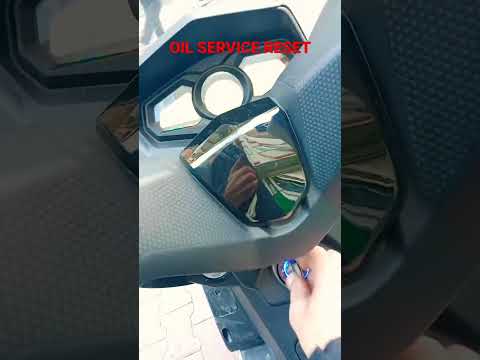
To reset the Oil Service light on the Kymco Dink R 150, turn on the instrument panel by rotating the key in the ignition switch. Once the panel is on…
|
How to Replace the Clutch on a Triumph Speed Triple?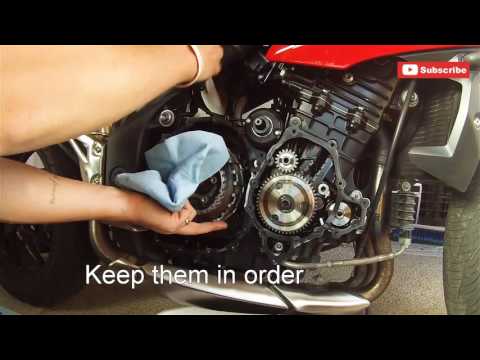
To replace the clutch on a Triumph Speed Triple, loosen the bolts securing the covers of the three casings located on the right side of the bike, namely the starter motor, the engine, and then the clutch. Once these covers are removed, you can access the bolts securing the clutch, unscrew them, and slide the clutch plates out of their housing. This will allow you to insert the new plates into their place, securing everything with the appropriate bolts; finally, reinstall all the casings. by ScegliAuto More videos
|
|
For advertising on this site Write to info@scegliauto.com
ScegliAuto is not responsible for any inaccuracy of the data in the lists. To report any inaccuracy or your business (if you own the business in question), please write to info@scegliauto.com
Number of seconds to generate the page: 0.005
(c) ScegliAuto 2026 - info@scegliauto.com - Privacy policy VAT number: IT01247470535 |
