
|
Do it yourself
| |||
| ||||


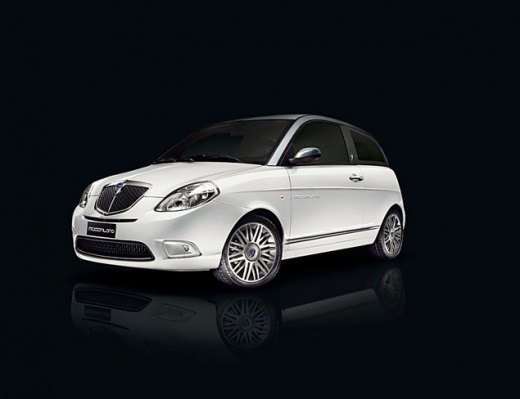
What is the fuse diagram for a Lancia Ypsilon?
Model: Lancia Ypsilon
Y2, MK 2, 843, Ypsilon 2
- Years:
2003, 2004, 2005, 2006, 2007, 2008, 2009, 2010, 2011
This video is currently unavailable
The attached video shows the fuse diagram for the second series Lancia Ypsilon. Fuses protect the electrical system from overcurrents. These overcurrents can be caused by short circuits or incorrect functioning of voltage regulators. Fuses consist of a cartridge through which a thin conductor wire passes, carrying the nominal current of the circuit to be protected. This wire is the fusible element. When an overcurrent occurs, the filament melts, opening the circuit and thereby providing protection.
Updated on 31 March 2026 by ScegliAuto
Related tutorials
Lancia Ypsilon
(2003-2011 /
Y2, MK 2, 843, Ypsilon 2)
The video in this article shows the diagram of all the fuses in your Lancia Ypsilon. Fuses are electrical devices designed to prevent damage to the v…

Lancia Ypsilon
(2003-2011 /
Y2, MK 2, 843, Ypsilon 2)
The video attached to this article contains a description of the fuse diagram for a second series Lancia Ypsilon. Fuses are electrical devices design…

Lancia Ypsilon
(2011-2023 /
846, Ypsilon 3, Y3, MK 3)
In this video, see the fuse diagram for the Lancia Ypsilon and where the various fuse boxes are located, useful in case you need to check the fuse of…
Other guides you may be interested in |
Frequently Asked QuestionsHow to Set the Time in an Audi A4?
In this tutorial, you will see how to set the time in an Audi A4, a very simple and quick operation to perform after replacing the battery or when the time changes. First, insert the key and turn on the instrument cluster. Then, press the "SETUP" button located on the center console. Next, press the upper left arrow button, navigate to the "Time" option, and use the central knob to adjust the clock. Finally, set any necessary formats and save by returning to the main screen. by ScegliAuto More videos
|
|
For advertising on this site Write to info@scegliauto.com
ScegliAuto is not responsible for any inaccuracy of the data in the lists. To report any inaccuracy or your business (if you own the business in question), please write to info@scegliauto.com
Number of seconds to generate the page: 0.008
(c) ScegliAuto 2026 - info@scegliauto.com - Privacy policy VAT number: IT01247470535 |
