
|
Do it yourself
| |||
| ||||


How do you replace the battery in the key of the Range Rover Evoque?
Model: Land Rover Evoque
L538, MK 1
- Years 2011-2018
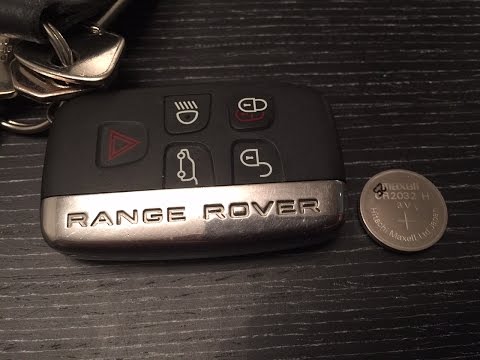
If suddenly the key/remote control of our car does not work, except in rarer cases, it is certain that its battery is dead. This latter is contained inside the above-mentioned remote control and to reach it we must open the shell, doing exactly what is shown in the video above: the chrome side cap is removed, in the slot of the profile, now visible, a screwdriver is inserted and levered, thus opening the two parts. The most is done, now we can extract the battery in question from its seat and insert the new one, test its operation and close everything back up.
Posted on 23 November 2025 by ScegliAuto
Video tutorial
Related tutorials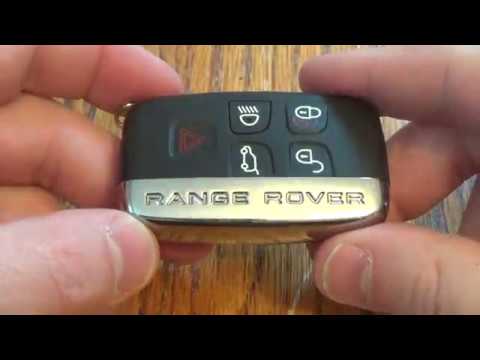
Land Rover Evoque
(2011-2018 /
L538, MK 1)
In this video, you will see how to disassemble and replace the battery of the key fob for a Land Rover Range Rover Sport, as well as the standard Ran…
Land Rover Evoque
(2011-2018 /
L538, MK 1)
In this video tutorial, you will learn how to disassemble and replace the battery in the key fob of a Range Rover Evoque. First, take your key fob an…

Land Rover Evoque
(2018-2026 /
L551, MK 2)
In this video, we see how to change the battery of the Range Rover Evoque remote control; first, we raise the metal part with the "Range Rover" inscr…
Other guides you may be interested in
|
How to change the time on a Toyota Yaris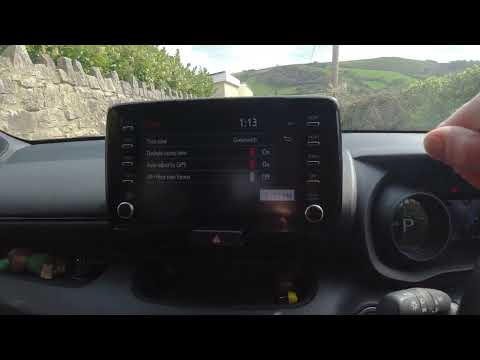
In this video we see how to change the time on a Toyota Yaris, specifically when it comes to switching from daylight saving time to standard time and vice versa. We go to the multifunction screen and press "settings": from there we go to press the clock, simply click on daylight saving time, and the clock will change the time for us, without doing anything else. All we want to do is just adjust the time format to 12 or 24 hours, as is customary in the area where we live: for example in Anglo-Saxon countries it is common to set the time to 12 hours, while in the European Union it is normally set to 24 hours. by ScegliAuto More videos
|

|
For advertising on this site Write to info@scegliauto.com
ScegliAuto is not responsible for any inaccuracy of the data in the lists. To report any inaccuracy or your business (if you own the business in question), please write to info@scegliauto.com
Number of seconds to generate the page: 0.297
(c) ScegliAuto 2026 - info@scegliauto.com - Privacy policy VAT number: IT01247470535 |
