
|
Do it yourself
| |||
| ||||


How to Replace the Brake Cable on an LML Star?
Model: Lml Star
Video tutorial
To replace the brake cable on an LML Star, loosen the bolts securing its ends: these will be at the lever to the right of the handlebar and at the rear brake. Once the bolts securing both ends of the cable are loosened, detach the cable from both the lever and the rear brake drum; at this point, insert the new cable into its housing, then secure the bolts at both ends, ensuring everything functions correctly.
Updated on 12 September 2026 by ScegliAuto
Related tutorials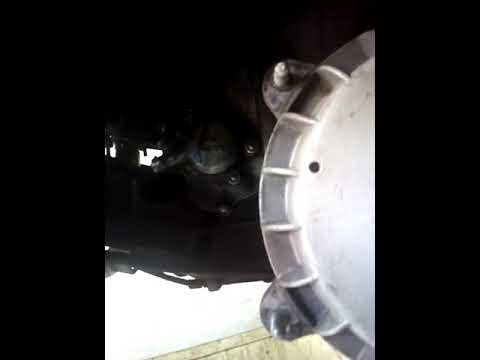
Star
To replace the oil filter on the LML Star, completely detach the side panel covering the rear wheel on the right side. Once this panel is freed from …

Star
In order to replace the clutch of the LML Star, you need to loosen the casing located near the rear wheel: once the screws are removed, you can detac…

Star
To replace the coil on an LML Star, remove the right side panel of the bike, located near the rear wheel; once this panel is removed, you will have a…
|
How to Perform a Service on the Benelli TNT 125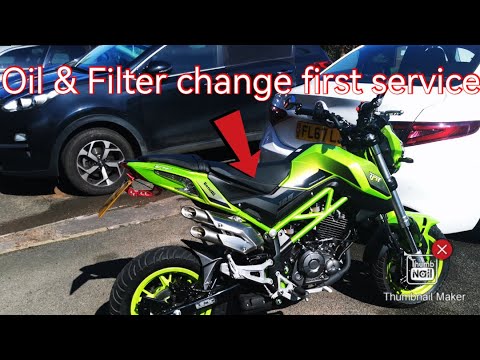
The engine oil and oil filter must be changed regularly to ensure the proper functioning of the engine; let’s see how to perform the routine maintenance service on the Benelli TNT 125. First, place your bike on the stand and start unscrewing the oil drain bolt located under the engine, allowing it to drain into a container for about ten minutes; then unscrew the screws of the oil filter cover, replacing the cartridge with a new one, as shown in the video. Now pour in the new engine oil, as specified in the user and maintenance manual! by ScegliAuto More videos
|
|
For advertising on this site Write to info@scegliauto.com
ScegliAuto is not responsible for any inaccuracy of the data in the lists. To report any inaccuracy or your business (if you own the business in question), please write to info@scegliauto.com
Number of seconds to generate the page: 0.006
(c) ScegliAuto 2026 - info@scegliauto.com - Privacy policy VAT number: IT01247470535 |
