
|
Do it yourself
| |||
| ||||


How to reset the AdBlue warning light in the Maxus Deliver 9 van?
Model: Maxus Maxus Various
If the AdBlue warning light in the instrument panel of our Maxus Deliver 9 van has turned on, it means that the pollution control system liquid has reached the minimum level and, consequently, it will need to be topped up. This is a very simple and quick operation, let's see how to proceed in this tutorial. First of all, we buy a 10-liter canister of urea from an auto parts store, then we turn off the engine and open both the driver's door and the indicated door. We then unscrew the blue cap and pour the necessary amount of liquid into the hole.
Posted on 21 March 2025 by ScegliAuto
Video tutorial
Related tutorials
Maxus Maxus Various
In this tutorial we can see how to adjust the time in the Maxus Deliver 9 van, an extremely simple and fast operation, to be carried out for example …

Maxus Maxus Various
In this video we can see where the battery of the Maxus Deliver 9 van is located, and how to use it in case of need: in vehicles with right-hand driv…

Maxus Maxus Various
If you want to manually change the time shown on the on-board computer display of your Maxus Deliver 3, all you have to do is put the following instr…
Other guides you may be interested in
|
How to Replace the Brake Pads on a BMW X3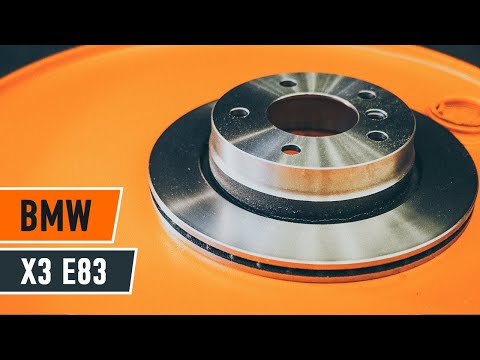
For this operation, you will need to remove the wheel where you will perform the replacement, so it will be convenient to lift your vehicle and place it on jack stands; this way, you will work much more comfortably. To remove the spring that holds the front pads, use a flathead screwdriver. Now, unscrew the bolts that secure the piston to the pads, then remove it, giving you access to both pads that brake the rotor. Of course, repeat the same steps on the other side if the same replacements are needed. by ScegliAuto More videos
|
|
For advertising on this site Write to info@scegliauto.com
ScegliAuto is not responsible for any inaccuracy of the data in the lists. To report any inaccuracy or your business (if you own the business in question), please write to info@scegliauto.com
Number of seconds to generate the page: 0.055
(c) ScegliAuto 2026 - info@scegliauto.com - Privacy policy VAT number: IT01247470535 |
