
|
Do it yourself
| |||
| ||||


How to manually set the time of the Maxus LDV Deliver 9
Model: Maxus Maxus Various
If you want to manually set the time displayed in the system of your Maxus LDV Deliver 9 then all you have to do is put into practice the following indications. First, go inside the vehicle and make sure that all doors are properly closed. Then insert the key and turn on both the instrument panel and the central display of the car radio. Enter the menu and click on the "System Settings" icon. Then enter "General" and select the "Time" option. At this point all that remains is to change the minute and hour digits and, finally, go back to save the changes.
Posted on 3 May 2022 by ScegliAuto
Video tutorial
Related tutorials
Maxus Maxus Various
If you want to manually change the time shown on the on-board computer display of your Maxus Deliver 3, all you have to do is put the following instr…

Maxus Maxus Various
In this tutorial we can see how to adjust the time in the Maxus Deliver 9 van, an extremely simple and fast operation, to be carried out for example …
Maxus Maxus Various
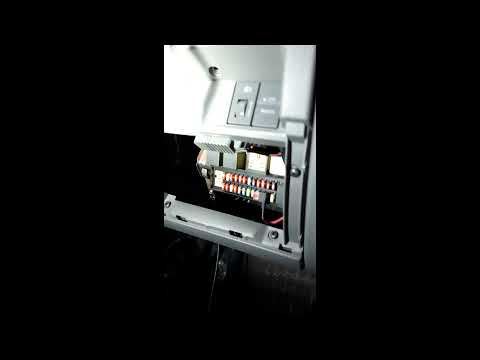
Knowing the exact position in which the fuse box of your car is located is very important as it allows you to intervene in a safe and timely manner o…
Other guides you may be interested in
|
How to Use the Radio Navigator of a Hyundai Tucson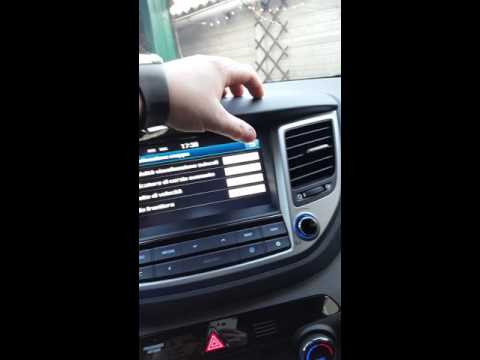
This instructional video demonstrates how to use the navigator and the information from the radio/navigator of the Hyundai Tucson. Pressing the power button on the radio will display the navigator screen with all navigation information. Below the radio display, there are manual control buttons for the stereo (a figurative button where if removed there is the SD card slot and a reset button beside it). The touch navigation screen is clear and very intuitive, easy to use even for watching videos. Always make the necessary settings for the navigator/radio while the vehicle is stationary. by ScegliAuto More videos
|
For advertising on this site Write to info@scegliauto.com
ScegliAuto is not responsible for any inaccuracy of the data in the lists. To report any inaccuracy or your business (if you own the business in question), please write to info@scegliauto.com
Number of seconds to generate the page: 0.106
(c) ScegliAuto 2026 - info@scegliauto.com - Privacy policy VAT number: IT01247470535 |
