
|
Do it yourself
| |||
| ||||


How to remove the rear emblems of the Maxus D90
Model: Maxus D90
MK 1
- Years 2017-2024
Today we will see, in this video tutorial, how to remove all the writings located on the rear door of the trunk of the Maxus D90, following the instructions below. First, let's move to the back and start getting a fine wet filter, so that we can gently and very patiently remove all the back lettering or emblems, as illustrated in the video. Once the writings have been removed, we can remove all the glue, using a suitable solvent or degreaser; we carry out the reverse procedure for the installation of the new emblems!
Posted on 7 November 2022 by ScegliAuto
Video tutorial
Related tutorials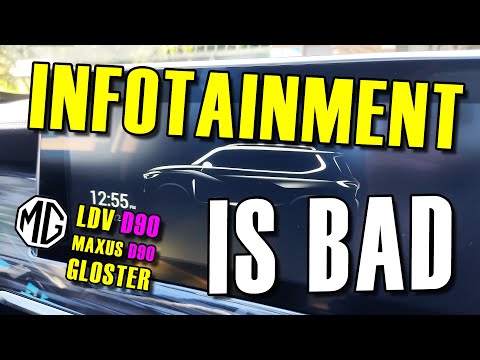
Maxus D90
(2017-2024 /
MK 1)
In this short and simple guide, we will see the main functions of the Maxus D90 infotainment system, following the instructions below. First, we get …

Maxus D90
(2017-2024 /
MK 1)
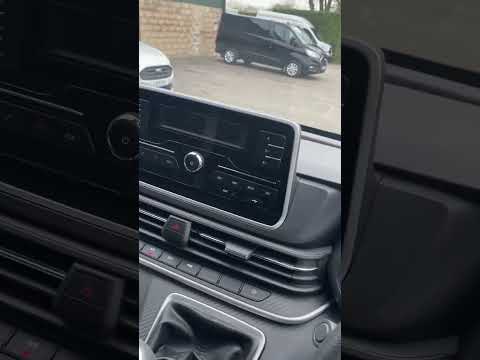
The LDV D90 is a large SUV built in China by Saic, one of the largest Chinese manufacturers, also the owner of the Maxus brand. In fact, the LDV D90 …
Maxus D90
(2017-2024 /
MK 1)
Unlike the different models of Maxus, resetting the service light, also known as the maintenance light, on the Maxus D90 is done differently but not …
Other guides you may be interested in
|
How to Change the Front Headlight Bulbs on a Renault Megane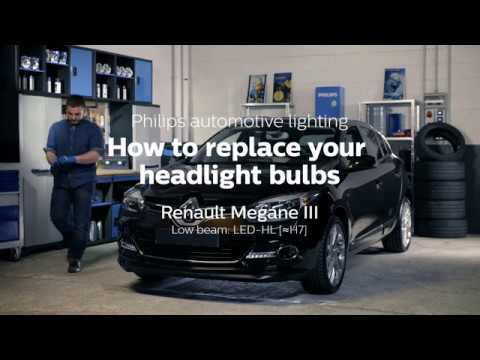
Have you decided to replace the headlight bulbs on your Renault Megane? In this video, we will see how to proceed with the bulb replacement. Open the engine bay and secure the bonnet. Next, unscrew the screws of the headlight using a screwdriver or socket wrench that are located on its cover. Remove the headlight from its housing and disconnect the power connector. Replace all damaged bulbs with new ones (of the same size and voltage). Refit the headlight into its specific housing and tighten the screws. Check the operation of the lights. by ScegliAuto More videos
|
|
For advertising on this site Write to info@scegliauto.com
ScegliAuto is not responsible for any inaccuracy of the data in the lists. To report any inaccuracy or your business (if you own the business in question), please write to info@scegliauto.com
Number of seconds to generate the page: 0.041
(c) ScegliAuto 2026 - info@scegliauto.com - Privacy policy VAT number: IT01247470535 |
