
|
Do it yourself
| |||
| ||||


How to reset the oil light on a 2016 Mazda 3.
Model: Mazda 3
BM, MK 3, BN
- Years 2013-2019
If you want to manually reset the oil indicator light on your 2016 Mazda 3, simply read the following guide carefully and then follow all the steps described. First, enter the vehicle and make sure the dashboard is turned off. Then, press the ignition button twice in a row to turn on the dashboard. At the same time, hold down the button located on the upper right side of the dashboard. Wait a few seconds and release the button as soon as the reset of the indicator light is successfully completed.
Posted on 12 April 2023 by ScegliAuto
Video tutorial
Related tutorials
Mazda 3
(2013-2019 /
BM, MK 3, BN)
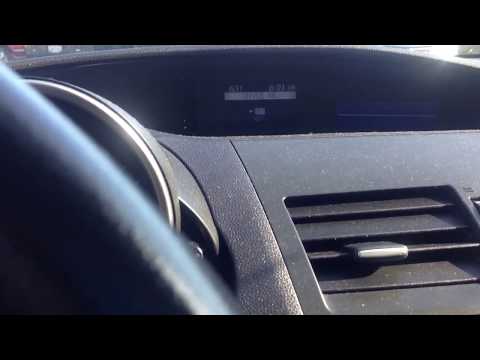
In the following guide dedicated to your Mazda 3, we will discover the steps you need to take in order to correctly reset the oil light on the car's …
Mazda 3
(2009-2013 /
BL, MK 2)
In today's video we see how to reset the engine oil warning light in the Mazda compact, or the 3. First of all, we recommend carrying out this operat…
Mazda 3
(2013-2019 /
BM, MK 3, BN)
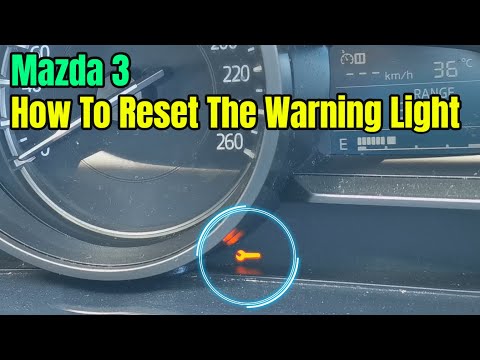
Let's see below the guide on how to reset the Mazda 3 oil change service light. First of all, we get on board the car and start turning on the instru…
Other guides you may be interested in
|
Frequently Asked QuestionsHow to Replace the Number Plate Bulb on Citroen C3
To replace the number plate bulb on a Citroen C3, use a screwdriver or plastic lever to remove the light cover (plastic housing) located in the rear bumper of the car. Once the light cover is removed, extract the bulb holder (using your hands), then disconnect the bulb from it. Fit the new LED bulb (same size and voltage) into the holder, then refit the light cover into the tailgate metal by pressing until the clips lock automatically. Test the correct operation of the previously installed bulb. by ScegliAuto More videos
|
|
For advertising on this site Write to info@scegliauto.com
ScegliAuto is not responsible for any inaccuracy of the data in the lists. To report any inaccuracy or your business (if you own the business in question), please write to info@scegliauto.com
Number of seconds to generate the page: 0.049
(c) ScegliAuto 2026 - info@scegliauto.com - Privacy policy VAT number: IT01247470535 |
