
|
Do it yourself
| |||
| ||||


|
This guide explains how to change the bearings of your car without necessarily taking it to a mechanic. The bearings, specifically, are spherical and relate to the car's suspension, located on the drum or also called brake disc, which serves to reduce friction when the vehicle is in motion. When replacing or performing maintenance, park the car on a level surface. To begin the replacement, loosen and then remove the wheel bolts, raising the wheel with the help of a jack. Next, unscrew the bolts and remove the wheel, and also remove the brake caliper using a socket spanner or screwdriver. Once the caliper is removed, take off the dust cover, also known as the cap, and you can then proceed to fit the new bearings.
Updated on 21 February 2026 by ScegliAuto
Video tutorial
Related tutorials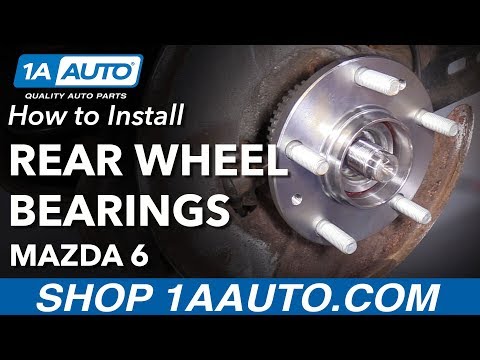
Mazda 6
(2002-2008 /
GG, MK 1)
In this video, see how to remove the wheel bearing from a Mazda 6. First, position your car on a column lift, loosen the bolts with a telescopic span…
Mazda 6
(2002-2008 /
GG, MK 1)
The suspension arm of the car connects the chassis to the struts. When it deforms or wears out, it can be dangerous as it may lead to a hazardous los…
Mazda 6
(2002-2008 /
GG, MK 1)
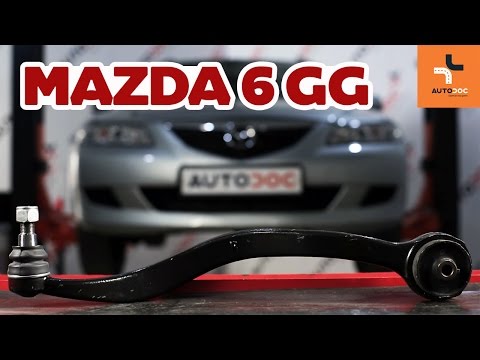
The suspension arm serves to connect the chassis to the struts. If it deforms or wears out, it will need to be replaced as a faulty arm can lead to a…
Other guides you may be interested in
|
How to Bleed the Clutch on a Renault Clio?
To bleed the clutch on a Renault Clio, open the bonnet to access the components located in the engine bay: here, you will need to undo the screws that secure the battery in its housing, the intake manifold, and the coolant reservoir. This will allow you to locate the pipe through which the brake fluid flows: by inserting the other end of the pipe into a container, you can press the clutch pedal to expel all the fluid until it fills the container. by ScegliAuto More videos
|
|
For advertising on this site Write to info@scegliauto.com
ScegliAuto is not responsible for any inaccuracy of the data in the lists. To report any inaccuracy or your business (if you own the business in question), please write to info@scegliauto.com
Number of seconds to generate the page: 0.321
(c) ScegliAuto 2026 - info@scegliauto.com - Privacy policy VAT number: IT01247470535 |
