
|
Do it yourself
| |||
| ||||


How to select the AUX-IN input on a Mercedes C-Class W204 version
Model: Mercedes Classe C
W204
- Years 2007-2013
In this video we can see how to select the AUX-IN input on a Mercedes C-Class W204 version: the auxiliary input can be found in the glove compartment, it is the round socket located on the outside of the drawer; keep in mind the shape of this component, because in some versions it may not be in the same place; sometimes it is inserted in the central console, but its shape is still the one we saw in the video. So, we have to press the "disc" button, which would then be the CD button, and this will display the message "no disc" on the screen. We will then use the joystick to select "CD" on the screen; from here we will select the AUX option, and now the AUX socket is active, and once we have connected the phone or any other playback system we want to use, we can use the car speakers to listen to music. To return to CD just follow the reverse path.
Posted on 21 August 2024 by ScegliAuto
Video tutorial
Related tutorials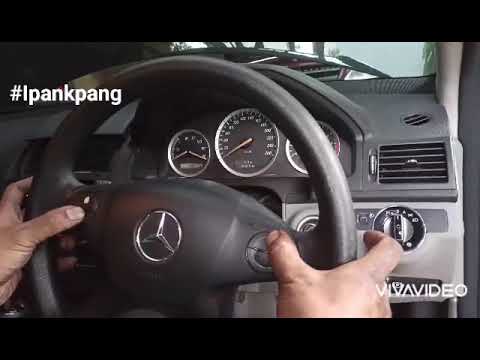
Mercedes Classe C
(2007-2013 /
W204)
To reset the service light on a 2008 Mercedes-Benz C-Class model W204, do the following: -Turn on the vehicle's ignition; -Press the arrow button to …
Mercedes Classe C
(2007-2013 /
W204)
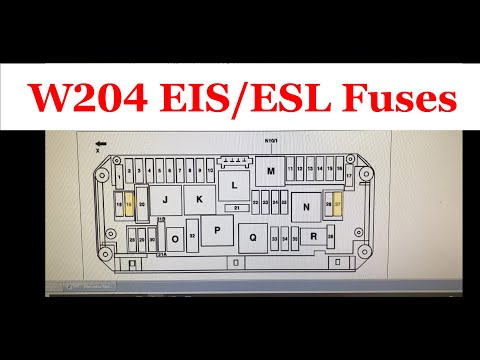
In the Mercedes C-Class W204, there is a first fuse box located in the dashboard thickness on the driver's side. You will need to use a screwdriver t…

Mercedes Classe C
(2007-2013 /
W204)
It will be possible to reset the air conditioning of the Mercedes C-Class by connecting a diagnostic tool to the car's OBD port: the latter will be l…
Other guides you may be interested in
|
How to Activate Bluetooth on the BMW 1 Series?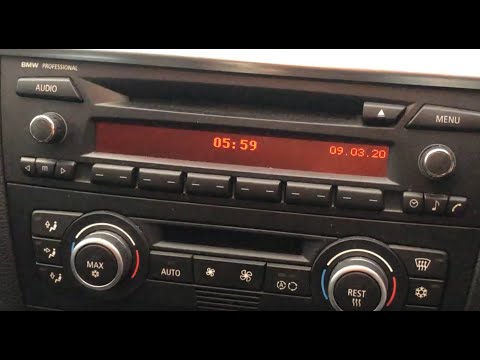
To activate Bluetooth on the BMW 1 Series, turn on the ignition so you can press the MENU button on the central control panel. This will allow you to select the "TEL" option to make the device visible. Then, connect to the radio using your mobile phone, selecting the device called "BMW" followed by a five-digit code. This code must be entered using the radio controls, confirming with OK. After entering and confirming, you will notice that the pairing between the devices has occurred. by ScegliAuto More videos
|

|
For advertising on this site Write to info@scegliauto.com
ScegliAuto is not responsible for any inaccuracy of the data in the lists. To report any inaccuracy or your business (if you own the business in question), please write to info@scegliauto.com
Number of seconds to generate the page: 0.058
(c) ScegliAuto 2026 - info@scegliauto.com - Privacy policy VAT number: IT01247470535 |
