
|
Do it yourself
| |||
| ||||


Resetting the Service Indicator on the Mercedes C-Class
Model: Mercedes Classe C
- Years:
2000, 2001, 2002, 2003, 2004, 2005, 2006, 2007
Video tutorial
This guide outlines the steps to reset the service indicator on the Mercedes C-Class in simple steps. First, get inside the vehicle and turn on the ignition; press the button located at the bottom left of the instrument cluster until you reach the service option, then release the button and press it again to confirm and execute the reset of the maintenance key and the service odometer, as shown in the video. Now, turn off the instrument cluster and start the engine!
Posted on 15 October 2026 by ScegliAuto
Related tutorials
Mercedes Classe C
(2000-2007 /
W203)
.. to reset the service indicator of the Mercedes Classe C. First, let's get inside the car and turn on the instrument panel; then we go to the maintenance.. …

Mercedes Classe C
(2000-2007 /
W203)
.. to reset the service indicator of the Mercedes C-Class. First, we get into the car and start the instrument panel; then we go to the maintenance key and.. …
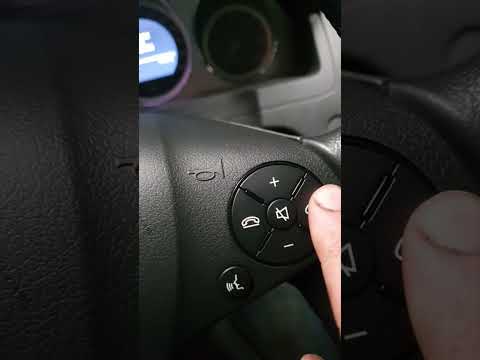
Mercedes Classe C
(2007-2013 /
W204)
.. the "Service" light on your Mercedes-Benz C-Class. Start by turning on the vehicle and checking that the "Service" indicator is visible on the display... …
Other guides you may be interested in
|
How to reset the AdBlue warning light on the Renault Trafic?
If the AdBlue warning light on the Renault Trafic remains on even after refilling with the additive, it is possible that a programming error has occurred in the AdBlue management unit: this unit is located inside the engine compartment and must be removed and disconnected to perform a diagnosis. The unit must then be connected to the appropriate diagnostic tool so that all stored errors can be reset correctly; after the reset, reinstall the unit, ensuring everything functions correctly. by ScegliAuto More videos
|
|
For advertising on this site Write to info@scegliauto.com
ScegliAuto is not responsible for any inaccuracy of the data in the lists. To report any inaccuracy or your business (if you own the business in question), please write to info@scegliauto.com
Number of seconds to generate the page: 0.090
(c) ScegliAuto 2026 - info@scegliauto.com - Privacy policy VAT number: IT01247470535 |
