
|
Do it yourself
| |||
| ||||


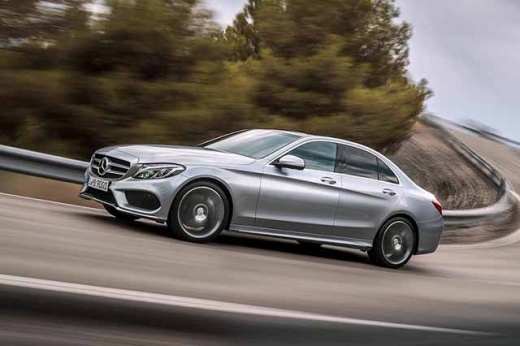
How to Reset the Service Light on a Mercedes-Benz C-Class?
Model: Mercedes Classe C
- Years:
2014, 2015, 2016, 2017, 2018, 2019, 2020, 2021
Video tutorial
Insert the key to activate the instrument cluster. Then, press and hold the OK button and the button to answer phone calls on the steering wheel spokes. This will start the reset procedure for the Service light on the Mercedes-Benz C-Class. While holding the two buttons, a menu will appear, allowing you to navigate using the steering wheel controls. Select "ASSYST PLUS", then choose "Full service" and "Conf. Full service". When the confirmation message appears, select "Yes", and then turn off the instrument cluster at the end.
Posted on 30 October 2026 by ScegliAuto
Related tutorials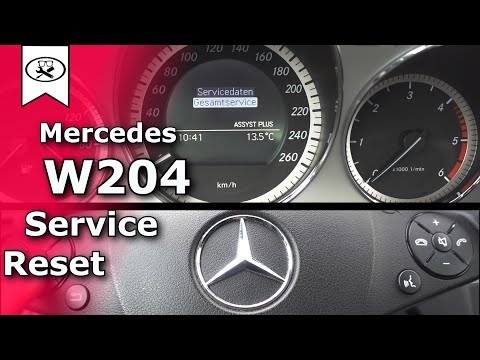
Mercedes Classe C
(2007-2013 /
W204)
.. To reset the Service light on a Mercedes C-Class, turn the key to the ON position to activate the instrument cluster. Then, press and hold the OK.. …

Mercedes Classe C
(2007-2013 /
W204)
.. To reset the Service light on a Mercedes C-Class, turn the key to the "On" position to activate the instrument cluster. Then, press and hold the.. …
Mercedes Classe C
(2007-2013 /
W204)
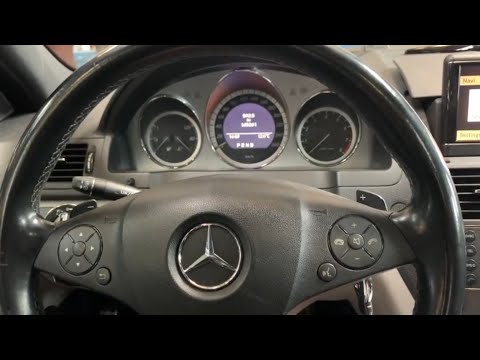
.. On the Mercedes C-Class, reset the Service light by turning the key to the "On" position. Then, press and hold the OK button.. …
Other guides you may be interested in
|
How to Fix Code 84 Issue on the Chevrolet Cruze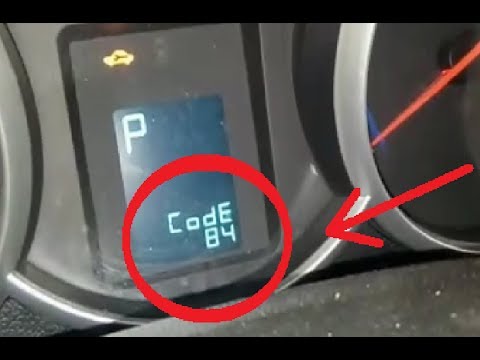
In this video, you will see how to resolve the Code 84 issue when it appears on the instrument panel of the Chevrolet Cruze. The YouTuber uses an OBDII scanner connected to the EOBD port to correctly decode the error, which relates to the accelerator pedal that does not respond during engine acceleration. The solution is to check the throttle body, which helps send fuel to accelerate the vehicle; it was indeed damaged, and once replaced, the error code is cleared, allowing the vehicle to accelerate normally again. by ScegliAuto More videos
|
|
For advertising on this site Write to info@scegliauto.com
ScegliAuto is not responsible for any inaccuracy of the data in the lists. To report any inaccuracy or your business (if you own the business in question), please write to info@scegliauto.com
Number of seconds to generate the page: 0.088
(c) ScegliAuto 2026 - info@scegliauto.com - Privacy policy VAT number: IT01247470535 |
