
|
Do it yourself
| |||
| ||||


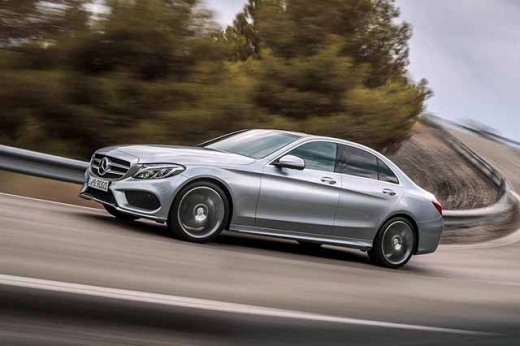
How to Reset the "Service" Light on a Mercedes C-Class
Model: Mercedes Classe C
W205
- Years:
2014, 2015, 2016, 2017, 2018, 2019, 2020, 2021
Video tutorial
Before you begin, sit in the driver’s seat of your Mercedes C-Class. Start by activating the instrument cluster by pressing the ignition button. Next, open the vehicle settings menu. Once there, select and confirm "ASSYST PLUS", then select and confirm "Full Service". At this point, select and confirm "Confirm Service", and then confirm again. After completing this step, you will have successfully reset the "Service" light.
Updated on 20 April 2026 by ScegliAuto
Related tutorials
Mercedes Classe C
(2000-2007 /
W203)
.. on the instrument cluster of the Mercedes C-Class, turn on the ignition to access the menu options. Use the buttons on the steering wheel spokes.. …
Mercedes Classe C
(2014-2021 /
W205)
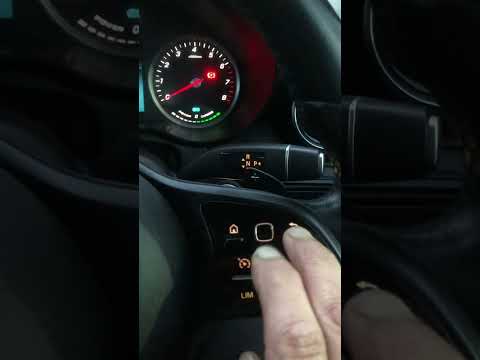
..o reset the "Service" light on our Mercedes C-Class. Start by sitting in the driver’s seat, then turn on the ignition by pressing the start button. Nex.. …

Mercedes Classe C
(2021-2026 /
W206)
.. light on the instrument panel of the Mercedes C-Class by navigating within the menu using the directional arrows on the steering wheel controls. You.. …
Other guides you may be interested in
|
How to Set the Time on a Mercedes Vito Van?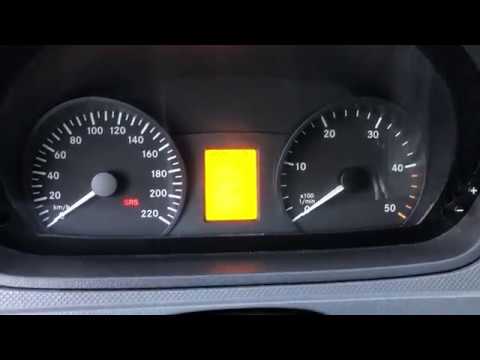
In this tutorial, you can see how to set the time on a Mercedes Vito van, an extremely simple and quick operation, for example, after replacing the battery or after switching to daylight saving time. First, insert the key and turn on the instrument cluster, then repeatedly press the "M" button located to the left of the dashboard until you reach the screen displaying the time in flashing mode. At this point, adjust the hour using the "+" and "-" buttons located on the opposite side, switch to minutes using the "O" button, and finally save the setting. by ScegliAuto More videos
|
|
For advertising on this site Write to info@scegliauto.com
ScegliAuto is not responsible for any inaccuracy of the data in the lists. To report any inaccuracy or your business (if you own the business in question), please write to info@scegliauto.com
Number of seconds to generate the page: 0.032
(c) ScegliAuto 2026 - info@scegliauto.com - Privacy policy VAT number: IT01247470535 |
