
|
Do it yourself
| |||
| ||||


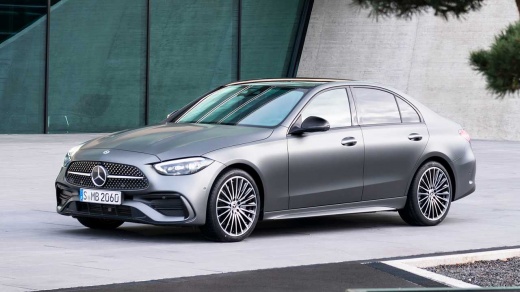
How do you reset the Service light on a Mercedes C-Class?
Model: Mercedes Classe C
W206
- Years:
2021, 2022, 2023, 2024, 2025, 2026
Video tutorial
It will be possible to reset the Service light on the instrument panel of the Mercedes C-Class by navigating within the menu using the directional arrows on the steering wheel controls. You will need to select the icon of the two wrenches and then choose the ASSYST PLUS option. This way, the option to select will be FULL SERVICE, and as you proceed, you will need to choose the quality of oil based on what was used for the oil change. Then, a screen will appear asking whether to confirm the operation or not: by selecting "Yes," the Service light will be reset.
Posted on 29 November 2025 by ScegliAuto
Related tutorials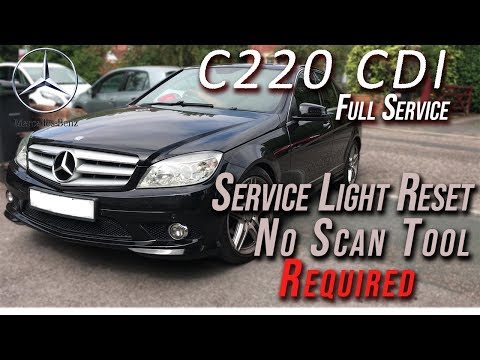
Mercedes Classe C
(2007-2013 /
W204)
.. reset the Service light on the Mercedes-Benz C-Class, turn the key to the ON position to activate the instrument cluster. Then, press and hold the OK.. …
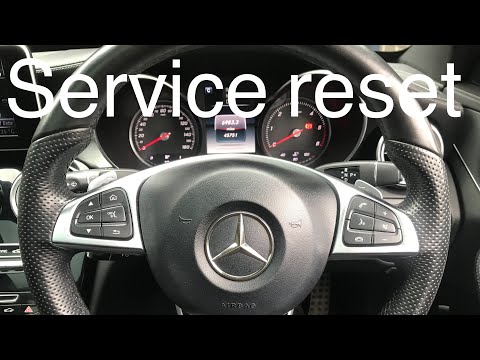
Mercedes Classe C
(2014-2021 /
W205)
.. regular oil change maintenance on the Mercedes C-Class W205. First, get in the vehicle and turn on the ignition; then access the onboard computer menu.. …

Mercedes Classe C
(2000-2007 /
W203)
.. From the instrument cluster of the Mercedes C-Class, you can completely clear the Service light by turning on the ignition, inserting the key into.. …
Other guides you may be interested in
|
How to Open the Fuel Door of the MG ZS?
To open the fuel door of the MG ZS, access the interior of the vehicle to locate the lever that unlocks the fuel door. This lever is located on the lower left side of the dashboard, near the steering column. Pull the lever to open the fuel door, allowing you to unscrew the cap underneath for refueling. After refueling, replace the fuel cap and securely close the fuel door. by ScegliAuto More videos
|
|
For advertising on this site Write to info@scegliauto.com
ScegliAuto is not responsible for any inaccuracy of the data in the lists. To report any inaccuracy or your business (if you own the business in question), please write to info@scegliauto.com
Number of seconds to generate the page: 0.032
(c) ScegliAuto 2026 - info@scegliauto.com - Privacy policy VAT number: IT01247470535 |
