
|
Do it yourself
| |||
| ||||


How to Reset a Mercedes Radio to Factory Settings on a C-Class W205
Model: Mercedes Classe C
W205
- Years 2014-2021
Sometimes you need to reset the radio to factory settings. The reasons can vary: maybe you accidentally changed some settings, or an automatic update failed, leaving you with no choice but to return to the initial settings. Here’s how to do it on a Mercedes radio. Turn on the ignition, power on the radio, scroll through the menu until you reach the "reset" option, and select it. Then, simply confirm. This will erase all the personalized data you had set and return you to the initial settings.
Updated on 13 July 2026 by ScegliAuto
Video tutorial
Related tutorials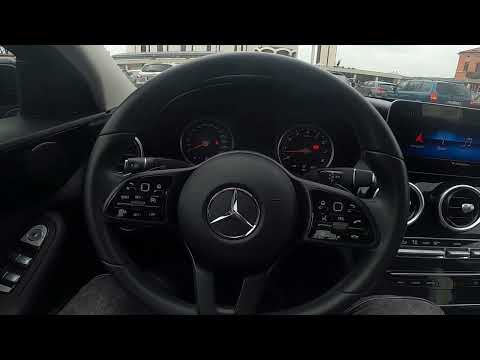
Mercedes Classe C
(2014-2021 /
W205)
.. The Mercedes C-Class W205 features a new function that adjusts the speaker volume automatically based on the noise inside.. …

Mercedes Classe C
(2014-2021 /
W205)
.. do the ordinary maintenance of their Mercedes C-Class w205 by themselves, ending everything with the deletion of the warning. Here is the sequence: press.. …
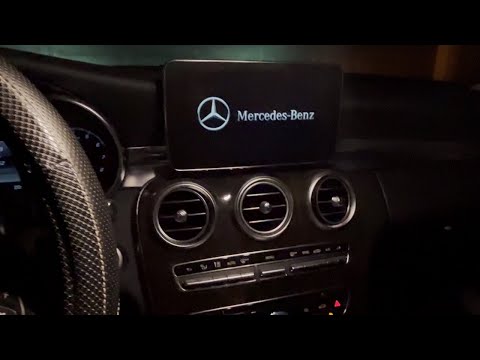
Mercedes Classe C
(2014-2021 /
W205)
To reset the infotainment system of the Mercedes-Benz C-Class, turn on the instrument cluster by turning the key in the ignition switch. Once it is o…
Other guides you may be interested in
|
How to Activate Bluetooth on the BMW 1 Series?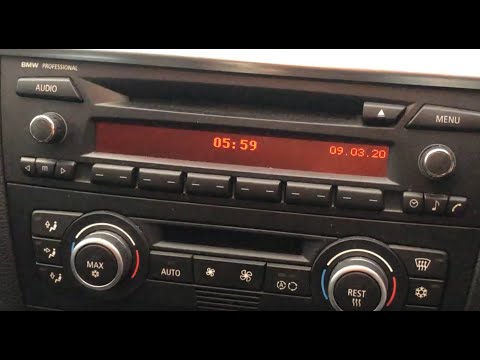
To activate Bluetooth on the BMW 1 Series, turn on the ignition so you can press the MENU button on the central control panel. This will allow you to select the "TEL" option to make the device visible. Then, connect to the radio using your mobile phone, selecting the device called "BMW" followed by a five-digit code. This code must be entered using the radio controls, confirming with OK. After entering and confirming, you will notice that the pairing between the devices has occurred. by ScegliAuto More videos
|
|
For advertising on this site Write to info@scegliauto.com
ScegliAuto is not responsible for any inaccuracy of the data in the lists. To report any inaccuracy or your business (if you own the business in question), please write to info@scegliauto.com
Number of seconds to generate the page: 0.078
(c) ScegliAuto 2026 - info@scegliauto.com - Privacy policy VAT number: IT01247470535 |
