
|
Do it yourself
| |||
| ||||


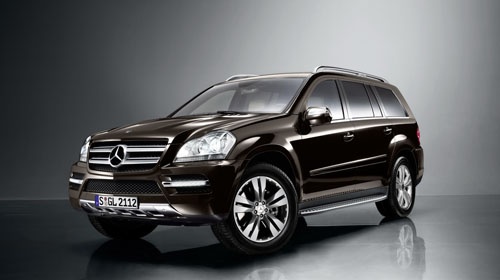
Rear Discs and Pads Replacement
Model: Mercedes Gl
X164, MK 1
- Years:
2006, 2007, 2008, 2009, 2010, 2011, 2012
Video tutorial
When replacing the rear brake discs, it is good practice to also replace the pads. Therefore, lift the vehicle and remove the rear wheel. Detach the retaining spring of the pads applied to the outside of the caliper, remove the protective caps from the caliper fixing pin seats, and unscrew them to remove the caliper from the bracket and extract the old pads. Next, remove the caliper bracket and the disc from the hub. Clean the disc seat on the hub with a wire brush and apply grease before installing the new disc after cleaning it from protective oil. Reattach the caliper bracket, retract the piston with the appropriate tool, and install the new pads to complete the maintenance.
Updated on 19 February 2026 by ScegliAuto
Related tutorials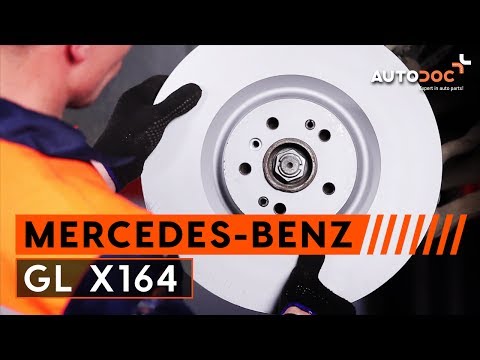
Mercedes Gl
(2006-2012 /
X164, MK 1)
Lift the vehicle on a ramp and remove the front wheel. Remove the retaining spring of the pads, the caps from the fixing pins of the brake caliper to…
Mercedes Gl
(2006-2012 /
X164, MK 1)
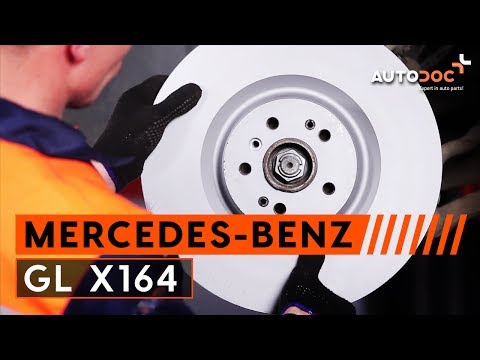
To replace the front brake discs and pads on this car model, it is advisable to lift it on a ramp and remove the front wheel; then disconnect the wea…

Mercedes Gl
(2012-2019 /
MK 2, X166)
Let's look at a simple operation that can give a really nice appearance to your Mercedes GL: first, you can obtain aftermarket hubcaps at a good pric…
Other guides you may be interested in
|
How to Open the Fuel Flap on a Volkswagen Tiguan?
To open the fuel flap on a Volkswagen Tiguan, first unlock the car using the appropriate button on the remote. This will open the car and unlock the mechanism that controls the fuel flap. At this point, apply light pressure to the left side of the flap to open it and access the cap underneath. Once this is unscrewed, you can refuel and then close everything. by ScegliAuto More videos
|
|
For advertising on this site Write to info@scegliauto.com
ScegliAuto is not responsible for any inaccuracy of the data in the lists. To report any inaccuracy or your business (if you own the business in question), please write to info@scegliauto.com
Number of seconds to generate the page: 0.084
(c) ScegliAuto 2026 - info@scegliauto.com - Privacy policy VAT number: IT01247470535 |
