
|
Do it yourself
| |||
| ||||


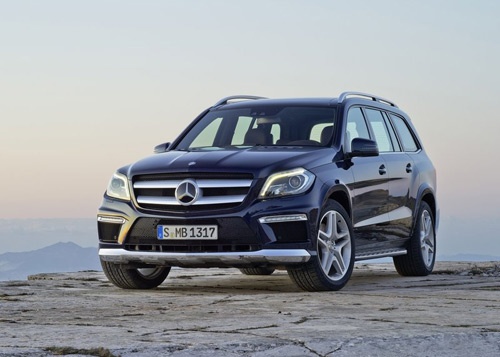
How to install hubcaps for the Mercedes GL
Model: Mercedes Gl
MK 2, X166
- Years:
2012, 2013, 2014, 2015, 2016, 2017, 2018, 2019
Video tutorial
Let's look at a simple operation that can give a really nice appearance to your Mercedes GL: first, you can obtain aftermarket hubcaps at a good price, for example on eBay with the code 155245999793 for £25.57 for a kit of 4 pieces; free delivery in 7 days. Remove the old hubcap by levering it off with a flat screwdriver, wrapped in a cloth to avoid scratching the wheel: it will pop off just as shown in the video. Clean the seat from dirt, sand, or snow residues and install the new hubcap, ensuring that the Mercedes logo is in the correct position. Press evenly and firmly until you hear it click into place.
Posted on 1 July 2026 by ScegliAuto
Related tutorials
Mercedes Gl
(2012-2019 /
MK 2, X166)
Here’s how to install the Mercedes logo projector on the puddle light of a Mercedes GL: you can find the projectors on AliExpress with code 100500874…
Mercedes Gl
(2006-2012 /
X164, MK 1)
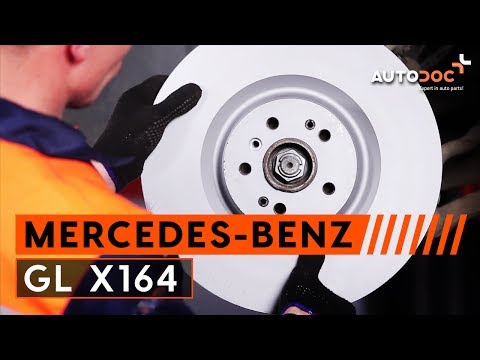
To replace the front brake discs and pads on this car model, it is advisable to lift it on a ramp and remove the front wheel; then disconnect the wea…
Mercedes Gl
(2006-2012 /
X164, MK 1)
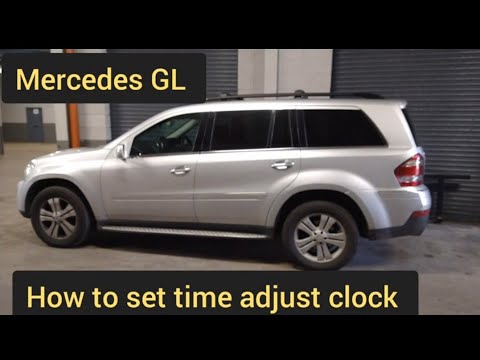
If you have just replaced the battery in your Mercedes GL X164 and the system time displayed is incorrect, you must set it manually. Let's go through…
Other guides you may be interested in
|
How to reset the tyre pressure warning light on the Kia Niro EV?
To reset the tyre pressure warning light on the Kia Niro EV, inflate the tyres until they reach the correct pressure value. This value is indicated on the sticker attached to the driver's door pillar. Once the tyres are inflated, turn on the instrument cluster to check that the warning light has completely disappeared from the display. If it is still present, you may need to drive for a few miles to ensure it disappears completely from the screen. by ScegliAuto More videos
|
|
For advertising on this site Write to info@scegliauto.com
ScegliAuto is not responsible for any inaccuracy of the data in the lists. To report any inaccuracy or your business (if you own the business in question), please write to info@scegliauto.com
Number of seconds to generate the page: 0.031
(c) ScegliAuto 2026 - info@scegliauto.com - Privacy policy VAT number: IT01247470535 |
