
|
Do it yourself
| |||
| ||||


How to reset the tire pressure sensor of the Mini Cooper
Model: Mini Mini
R53, R50, R52
- Years 2001-2007
In this new guide aimed at all of you who own a first-generation Mini Cooper, we will discover how to manually reset the tire pressure warning light on the instrument panel even in the absence of a puncture. First of all, turn on the ignition and then press the "BC" button located at the end of the left steering wheel lever until a new screen appears on the display. At this point, navigate through the various available options and once you have found the icon with the tire pressure warning light, press the "BC" button again until the reset is complete.
Posted on 6 September 2024 by ScegliAuto
Video tutorial
Related tutorials
Mini
(2001-2007 /
R53, R50, R52)
If the tire pressure warning light on your Mini Cooper R52 continues to stay on constantly on the instrument panel and you want to manually reset it,…

Mini
(2001-2007 /
R53, R50, R52)
To reset the tire pressure warning light on a Mini Cooper, turn on the instrument panel without starting the engine. Using the turn signal lever, acc…
Mini
(2017-2023 /
F60, Countryman2)
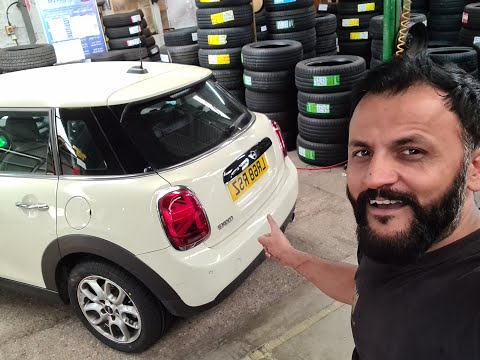
Let's see in this short guide the steps that will allow us to reset the tire pressure warning light of the Mini Cooper S. Before performing the reset…
Other guides you may be interested in
|
How to Replace the Brake Pads on a BMW X3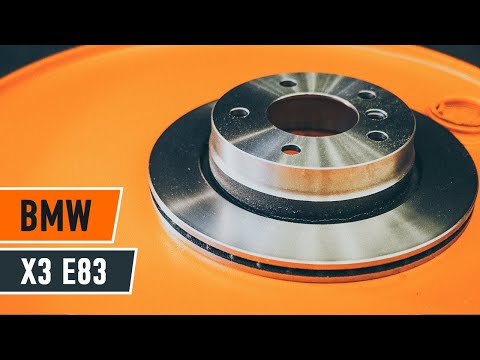
For this operation, you will need to remove the wheel where you will perform the replacement, so it will be convenient to lift your vehicle and place it on jack stands; this way, you will work much more comfortably. To remove the spring that holds the front pads, use a flathead screwdriver. Now, unscrew the bolts that secure the piston to the pads, then remove it, giving you access to both pads that brake the rotor. Of course, repeat the same steps on the other side if the same replacements are needed. by ScegliAuto More videos
|
|
For advertising on this site Write to info@scegliauto.com
ScegliAuto is not responsible for any inaccuracy of the data in the lists. To report any inaccuracy or your business (if you own the business in question), please write to info@scegliauto.com
Number of seconds to generate the page: 0.066
(c) ScegliAuto 2026 - info@scegliauto.com - Privacy policy VAT number: IT01247470535 |
