
|
Do it yourself
| |||
| ||||


How to Pair Your Smartphone with a Mini's Car Radio
Model: Mini Mini
Countryman1, R60
- Years 2010-2016
This video shows how to connect your smartphone to the Bluetooth system of a Mini's car radio. Activate Bluetooth on your smartphone and set the car radio to connect with the external device. When the car's multimedia system detects your smartphone's Bluetooth, confirm and click on the 'new cell' option. Once the system has detected the smartphone, enter the pairing password. Finally, confirm the pairing with the car's multimedia system. Your smartphone is now connected to your car.
Updated on 1 March 2026 by ScegliAuto
Video tutorial
Related tutorials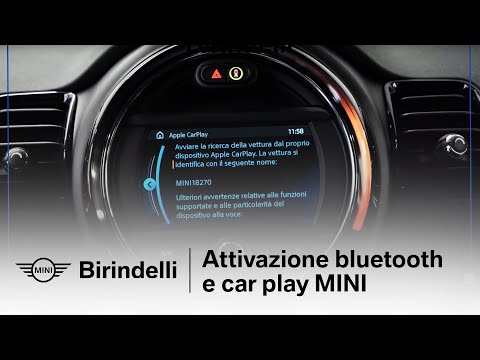
Mini
(2014-2023 /
F57, F54, F56, F55)
Today's guide will show us how to connect our mobile phone to the Mini Cooper's multimedia system via Bluetooth. Firstly, we get into the car and tur…

Mini
(2014-2023 /
F57, F54, F56, F55)
In this video tutorial we will see how to associate and connect our mobile smartphone to the multimedia system present on our Mini Cooper, but also o…
Mini
(2001-2007 /
R50, R52, R53)
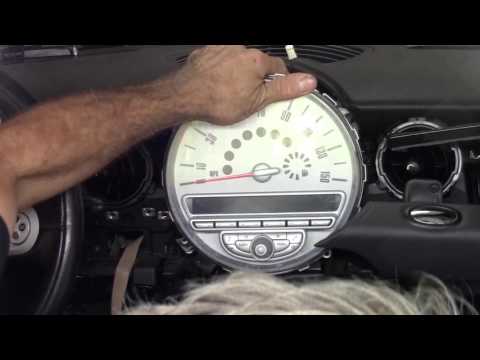
We replace the radio of the Mini Cooper if it is damaged or if it is worn out. Let's see the disassembly of the radio. We disassemble the plastics on…
Other guides you may be interested in |
Frequently Asked QuestionsHow to Remove the Gear Knob on an Opel Astra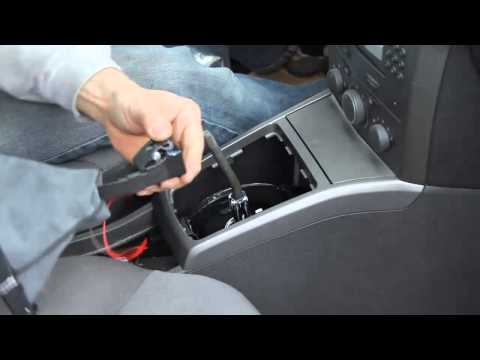
How to replace the gear knob on an Opel Astra? Follow these steps: use a plastic lever to disconnect the leather gaiter frame (if you need to replace it). Grip the knob with both hands and pull it upwards (with a strong and decisive motion) until it comes off the gear stick. For installation: fit the new gaiter and position it on the centre tunnel, take the new knob and push it onto the stick, tightening it until fully threaded. Test the movement of the stick on the centre tunnel to ensure the knob is correctly fitted. by ScegliAuto More videos
|

|
For advertising on this site Write to info@scegliauto.com
ScegliAuto is not responsible for any inaccuracy of the data in the lists. To report any inaccuracy or your business (if you own the business in question), please write to info@scegliauto.com
Number of seconds to generate the page: 0.045
(c) ScegliAuto 2026 - info@scegliauto.com - Privacy policy VAT number: IT01247470535 |
