
|
Do it yourself
| |||
| ||||


Removing the Radio from a Mini Cooper
Model: Mini Mini
R53, R50, R52
- Years:
2001, 2002, 2003, 2004, 2005, 2006, 2007
Video tutorial
Replace the radio in the Mini Cooper if it is damaged or worn out. Let's look at the disassembly of the radio. Remove the plastics from the sides of the radio. Pull the radio frame towards you. Remove the plastics located under the radio (the entire dashboard with the air control buttons). Extract the radio, being careful with the various wiring (disconnect the power connectors and the antenna cable). Install the original radio or a generic brand with the appropriate adapter for the input and connector terminals. Connect the electrical terminals and refit the covering plastics around the radio. Test the radio's functionality.
Updated on 19 March 2026 by ScegliAuto
Related tutorials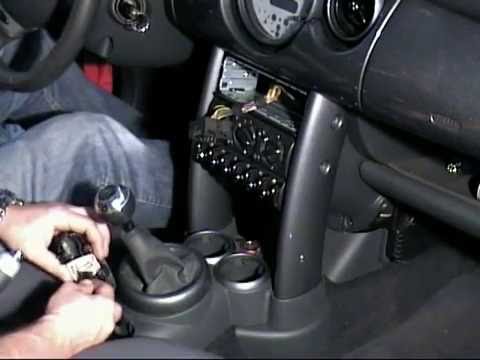
Mini
(2001-2007 /
R53, R50, R52)
Replacing the radio in your Mini Cooper? Start by removing the trim panels before taking out the radio. Unscrew the screws on either side of the radi…
Mini
(2001-2007 /
R53, R50, R52)
Before you can start, sit in the driver's seat of your Mini Cooper. Begin by unclipping and moving all the covers of the centre tunnel to access the …
Mini
(2007-2014 /
R57, R56, R55)
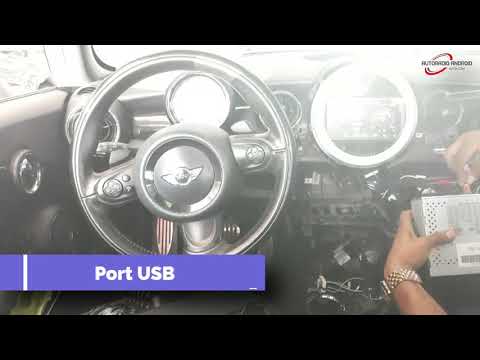
To replace the radio in a Mini Cooper, remove the trim around the central air vents using a plastic tool to access the three screws that hold the chr…
Other guides you may be interested in
|
How to Activate the Automatic Folding and Unfolding of the Wing Mirrors on the Jeep Compass
Follow these brief instructions to activate the automatic folding and unfolding of the external wing mirrors on the Jeep Compass. First, get inside the vehicle and turn on the ignition; then press the button located beneath the mirror glass adjustment to electrically open the mirror, as shown in the video. Pressing the button in the opposite direction will close the mirrors; by holding the button, the mirrors will open and close automatically! by ScegliAuto More videos
|
|
For advertising on this site Write to info@scegliauto.com
ScegliAuto is not responsible for any inaccuracy of the data in the lists. To report any inaccuracy or your business (if you own the business in question), please write to info@scegliauto.com
Number of seconds to generate the page: 0.023
(c) ScegliAuto 2026 - info@scegliauto.com - Privacy policy VAT number: IT01247470535 |
