
|
Do it yourself
| |||
| ||||


How to activate and deactivate the start & stop function on a Mini Countryman 3
Model: Mini Mini
U25, Countryman3
- Years 2024-2026
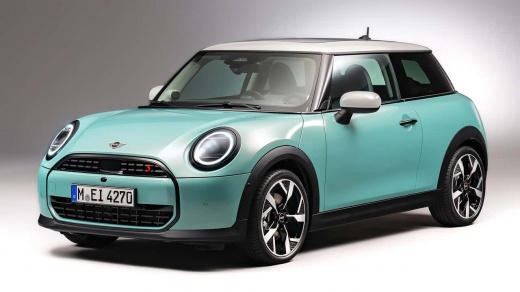
In this video, we see how to activate and deactivate the start & stop function on the Mini Countryman 3: on previous models, there was simply a small lever button that lit up when activated, and it was very simple and immediate to use. On this version, the method is a bit more complex but still easy to use: from the dashboard, we press the physical button indicating the car's menu, on the left side of the button panel. The main screen will show us the car, then the submenus will appear, and in the one related to transmission and chassis, we will find the first option "auto start stop" and we can decide to keep it active or deactivate it.
Posted on 25 February 2025 by ScegliAuto
Video tutorial
Related tutorials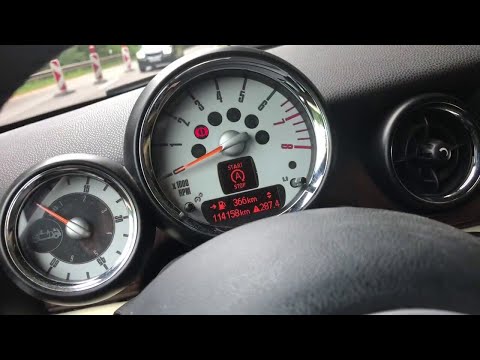
Mini
(2007-2014 /
R57, R55, R56)
Today we will see, in this video tutorial, how to enable or disable the start & stop system of the Mini Cooper, but also of the Countryman. First of …
Mini
(2017-2023 /
Countryman2, F60)
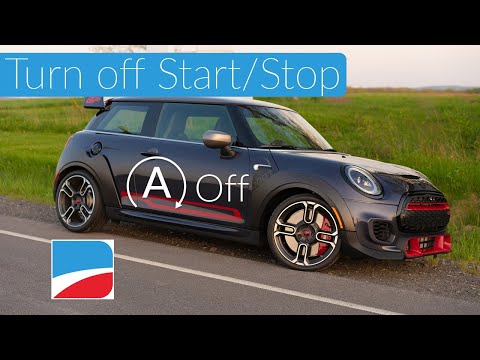
Today we will explain how to permanently deactivate the START&STOP system of a Mini Cooper vehicle. To disable this system, it is necessary to connec…
Mini
(2007-2014 /
R57, R55, R56)
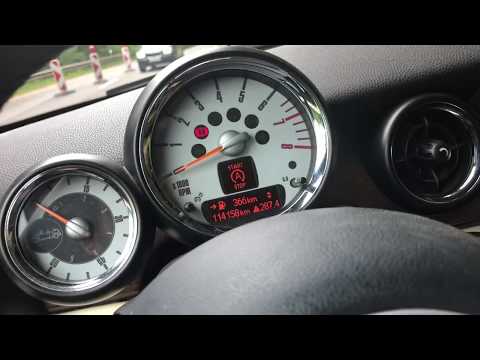
Following these brief and simple steps, we will see how to activate or deactivate the Start&Stop system of the Mini Cooper. First of all, we get into…
Other guides you may be interested in
|
How to Remove the Tailgate Handle on a Nissan Qashqai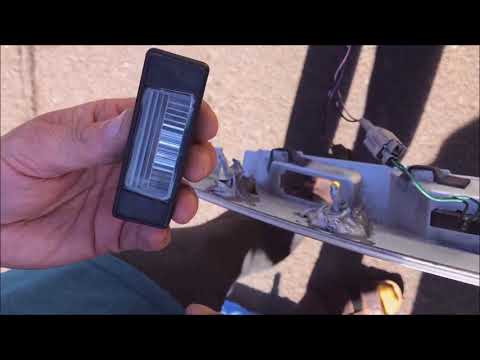
Follow these steps to remove the tailgate handle on a Nissan Qashqai to replace the number plate bulbs. First, open the rear tailgate of the car, then unscrew the screws on the plastic trim of the tailgate using a screwdriver (remove the plastic rivets). Detach the plastic trim from the tailgate, unscrew the securing bolts of the external handle with a screwdriver. Finally, remove the tailgate handle by hand. Take the new part and disassemble the number plate light. Reassemble everything in reverse order. by ScegliAuto More videos
|
|
For advertising on this site Write to info@scegliauto.com
ScegliAuto is not responsible for any inaccuracy of the data in the lists. To report any inaccuracy or your business (if you own the business in question), please write to info@scegliauto.com
Number of seconds to generate the page: 0.054
(c) ScegliAuto 2026 - info@scegliauto.com - Privacy policy VAT number: IT01247470535 |
