
|
Do it yourself
| |||
| ||||



How do you reset the multimedia system of the Mini Cooper from the central button?
Model: Mini Mini
F66
- Years:
2023, 2024, 2025, 2026
Video tutorial
If the large circular screen of the Mini Cooper freezes or responds slowly, you can perform a software-only reset using the command located below the display. This operation should be done with the car stationary, the gear in the park position, and the ignition on. Once you are safely positioned, bring the system to the driving or navigation screen and locate the central button on the control panel, the same one you usually press to turn on the system. To initiate the restart, press and hold this button continuously without releasing it. After a few seconds, the screen will begin to turn off: the map image will disappear, and only a few essential pieces of information, such as speed and gear indicator, will remain on a dark background. Continuing to hold the button, the display will turn completely black, and the infotainment system will shut down. At this point, you can release the button and wait a moment: the screen will turn back on by itself, the initial graphics will appear, and the normal navigation, radio, and settings screens will become visible again. This reset does not delete the user's personal data but simply restarts the software of the multimedia system. Therefore, it is a useful procedure to know for quickly unlocking the central screen of the Mini Cooper without disconnecting the battery or entering the service menus.
Posted on 28 November 2025 by ScegliAuto
Related tutorials
Mini
(2007-2014 /
R57, R56, R55)
Learn how to set the clock on a Mini Cooper with the central clock display system. Display the clock on the screen (if it is not already visible, pre…
Mini
(2014-2023 /
F55, F54, F56, F57)
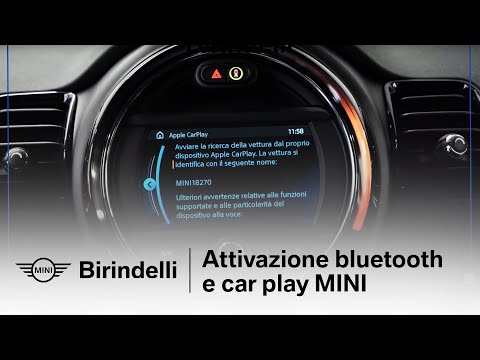
Today's guide will show you how to connect your mobile phone via Bluetooth to the Mini Cooper's multimedia system. First, get into the vehicle and tu…
Mini
(2014-2023 /
F55, F54, F56, F57)
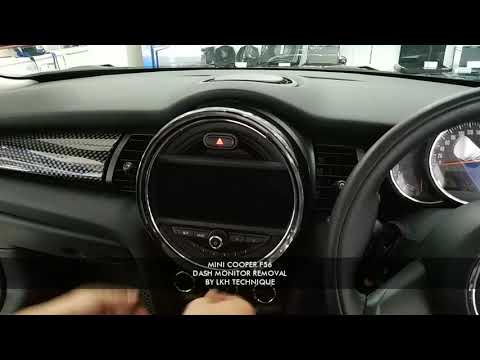
In today's video tutorial, see how to remove and replace the central display and radio of the Mini Cooper by following the instructions below. First,…
Other guides you may be interested in |
How to Reset the AdBlue Warning Light on a Peugeot Boxer
To reset the AdBlue system on a 2018 Peugeot Boxer, follow these steps: Start the engine and ensure the vehicle is parked in a well-ventilated area. Locate the "MENU" button on the dashboard or steering wheel controls. Press and hold the "MENU" button until the menu options appear on the display. Use the arrow buttons or scroll wheel to access the "Vehicle Settings" or "Settings" menu. Select the "AdBlue" or "AdBlue System" option. Look for the "Recharge" or "Reset" option in the AdBlue menu. Once you find the reset option, select it and confirm your choice when prompted. The system will be reset, and a confirmation message may appear on the display. Turn off the engine and wait a few seconds. Restart the engine and check that the AdBlue system has been reset. by ScegliAuto More videos
|
For advertising on this site Write to info@scegliauto.com
ScegliAuto is not responsible for any inaccuracy of the data in the lists. To report any inaccuracy or your business (if you own the business in question), please write to info@scegliauto.com
Number of seconds to generate the page: 0.048
(c) ScegliAuto 2026 - info@scegliauto.com - Privacy policy VAT number: IT01247470535 |
