
|
Do it yourself
| |||
| ||||



How to Reset the Service Light on the Mini R56?
Model: Mini Mini
R57, R56, R55
- Years:
2007, 2008, 2009, 2010, 2011, 2012, 2013, 2014
Video tutorial
For those interested in resetting the service light on their Mini R56, we see the solution here in the video. First, turn on the instrument cluster, then press the trip reset button located on the right side of the cluster, access the Settings, and scroll through the list of options until you reach Set Info. Once there, press the previously mentioned reset button again to display the light in question, then hold down the button at the end of the left stalk of the steering wheel to turn off the warning.
Posted on 31 October 2026 by ScegliAuto
Related tutorials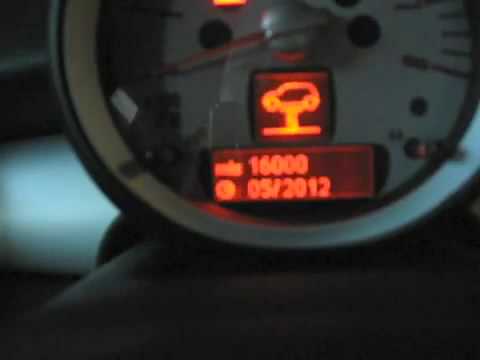
Mini
(2007-2014 /
R57, R56, R55)
To reset the Service light on a Mini R56, turn on the instrument cluster to navigate the menu on the display. Press and hold both buttons located on …
Mini
(2007-2014 /
R57, R56, R55)
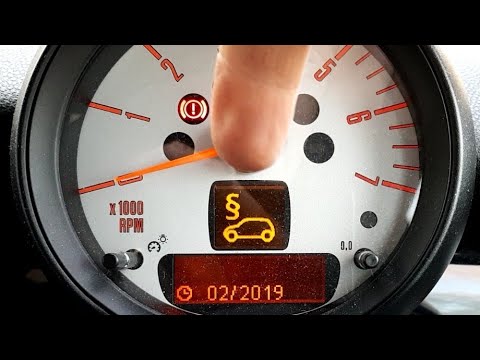
To reset the Service light on the Mini R56, turn the ignition on by rotating the key in the ignition switch. Press the button located on the lever to…

Mini
(2007-2014 /
R57, R56, R55)
Specifically, let's see what the procedure is for turning off the service light in the Mini R56. We are talking about maintenance and servicing, so t…
Other guides you may be interested in
|
How to Open a Stuck Boot Lid on a Seat Ibiza
On a Seat Ibiza, the boot lid may become stuck, for example, due to a fault with the control button or the lock actuator. In these cases, you can perform an emergency opening by following the simple procedure shown in this tutorial. First, open the rear doors, then lower the backrest by operating the release lever. Next, go to the boot, unclip the cover panel of the boot lid, and open it by operating the actuator with a screwdriver or a similar tool. by ScegliAuto More videos
|
|
For advertising on this site Write to info@scegliauto.com
ScegliAuto is not responsible for any inaccuracy of the data in the lists. To report any inaccuracy or your business (if you own the business in question), please write to info@scegliauto.com
Number of seconds to generate the page: 0.034
(c) ScegliAuto 2026 - info@scegliauto.com - Privacy policy VAT number: IT01247470535 |
