
|
Do it yourself
| |||
| ||||


How to Replace the Remote Battery of the Mini mk3
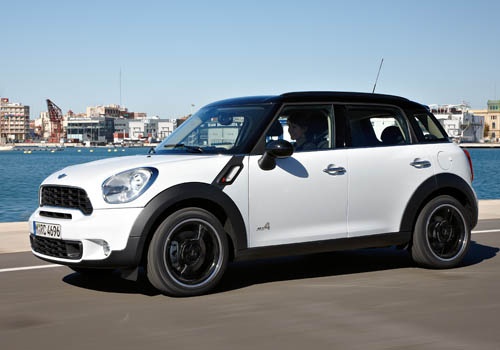
Model: Mini Mini
Countryman1, R60
- Years 2010-2016
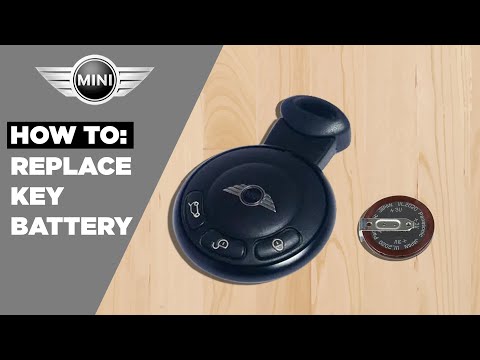
This guide shows how to replace the battery of the Mini mk3 remote with the three-button remote. The first step is to extract the emergency key by pressing the two side buttons. At this point, use a flat screwdriver to remove the back cover of the remote; take care not to break the piece during this operation. With a small flat screwdriver, pry on the white pin of the battery cover. Now you can remove the old battery and replace it with a new CR2032. Follow the steps in reverse to reassemble the remote.
Updated on 16 April 2026 by ScegliAuto
Video tutorial
Related tutorials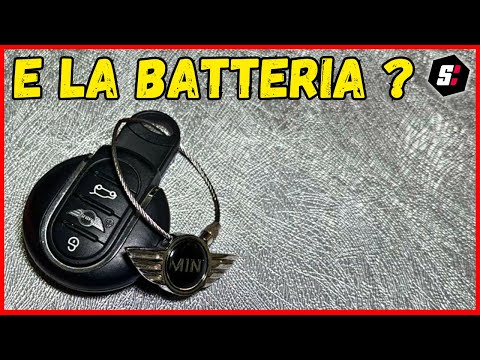
Mini
(2001-2007 /
R53, R52, R50)
To replace the remote battery of the Mini Cooper, use an object like a screwdriver to pry at the back of the device: this will detach the cover with …
Mini
(2007-2014 /
R56, R55, R57)
To replace the remote control battery of the Mini, use a lever tool to separate the two halves of the remote. Once opened, you can extract the batter…

Mini
(2007-2014 /
R56, R55, R57)
To replace the battery of the Mini Cooper remote control, you will need to use an object that can act as a lever to separate the two halves of the re…
Other guides you may be interested in
|
How to reset the tyre pressure warning light on the Suzuki Jimny?
To reset the tyre pressure warning light on the Suzuki Jimny, first inflate the tyres to the pressure value indicated on the corresponding sticker: this is located at the bottom of the driver's door pillar. Once the tyres are inflated, insert the ignition key and turn on the instrument panel: select the screen that indicates the tyre pressures, checking that the values change. After a few seconds, the tyre pressure warning light will automatically turn off. by ScegliAuto More videos
|
|
For advertising on this site Write to info@scegliauto.com
ScegliAuto is not responsible for any inaccuracy of the data in the lists. To report any inaccuracy or your business (if you own the business in question), please write to info@scegliauto.com
Number of seconds to generate the page: 0.264
(c) ScegliAuto 2026 - info@scegliauto.com - Privacy policy VAT number: IT01247470535 |
