
|
Do it yourself
| |||
| ||||


Disassembly of the on-board computer on Mini cars
Model: Mini Mini
F57, F54, F56, F55
- Years 2014-2023
Detach the round frame of the on-board computer by rotating it slightly counterclockwise and then detaching it by hand, as shown in the video. By doing so you will have access to the two torx t20 screws placed under the screen: unscrew them. Now, using a plastic wedge, remove the upper plate located in the dashboard, thus freeing up the rear access to the computer. In this access, insert a medium-sized flat screwdriver and lever until the screen comes out of its housing. Disconnect the connectors and that's it. Proceed backwards until complete reassembly.
Posted on 17 June 2021 by ScegliAuto
Video tutorial
Related tutorials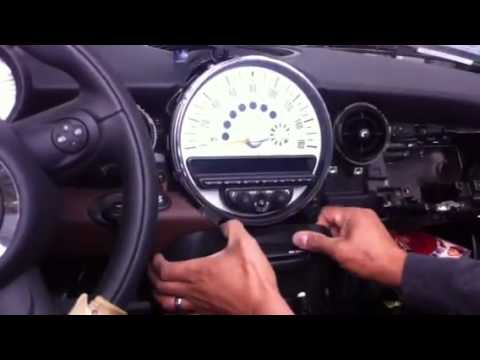
Mini
(2007-2014 /
R57, R55, R56)
How to disassemble the on-board computer and stereo on a Mini? Let's see in this video how to proceed with the disassembly of the pieces: with a thin…

Mini
(2024-2026 /
Countryman3, U25)
Today we will show you how to independently restart the new intelligent screen of the 2025 Mini Countryman without using a diagnostic computer and th…
Mini
(2014-2023 /
F57, F54, F56, F55)
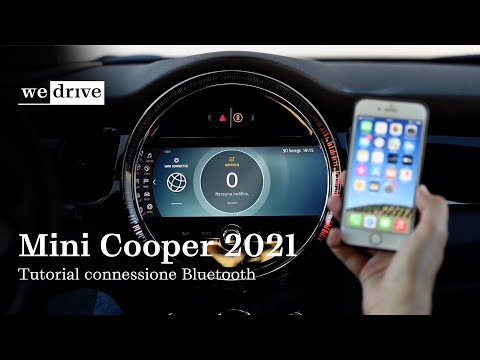
Switch on the instrument panel and press the on-board computer menu button. Then go to the "communication" section and then "connect mobile devices".…
Other guides you may be interested in
|
How to Remove the Diesel Filter on a Ford Focus
How to remove the diesel filter on a Ford Focus? Lift the car on a column lift or suitable jack (if necessary), locate the diesel filter as shown in the video. Use a screwdriver to unscrew the metal piece that secures the filter (you can also use a socket spanner). After disconnecting all the circulation pipes and the fuel cable: remove the diesel filter housing from the vehicle (replace it with a new one). Finally, refit the filter to the attached diesel filter housing (connect the pipes and cables) and tighten the appropriate bolts. Close the bonnet. by ScegliAuto More videos
|

|
For advertising on this site Write to info@scegliauto.com
ScegliAuto is not responsible for any inaccuracy of the data in the lists. To report any inaccuracy or your business (if you own the business in question), please write to info@scegliauto.com
Number of seconds to generate the page: 0.096
(c) ScegliAuto 2026 - info@scegliauto.com - Privacy policy VAT number: IT01247470535 |
