
|
Do it yourself
| |||
| ||||


How do you reset the Service light on the Mini R56?
Model: Mini Mini
R57, R55, R56
- Years 2007-2014
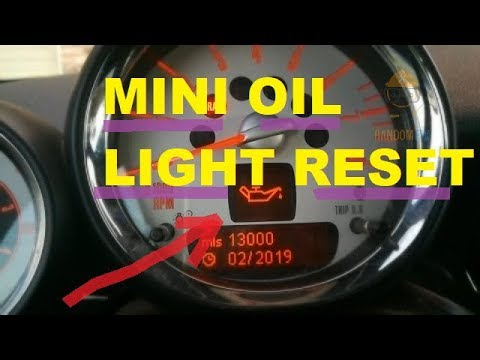
To reset the Mini R56 service warning light, you need to turn on the instrument panel and move around the menu by pressing the button located on the end of the lever to the left of the steering wheel. When the icon of the car that is on a bridge appears, you will need to press and hold the button on the end of the lever until a confirmation message appears. The same operation must be performed when the oil icon appears. After the two reset operations have been carried out, it will be possible to switch the instrument panel off and on again to check that the Service warning light has been reset.
Posted on 18 November 2021 by ScegliAuto
Video tutorial
Related tutorials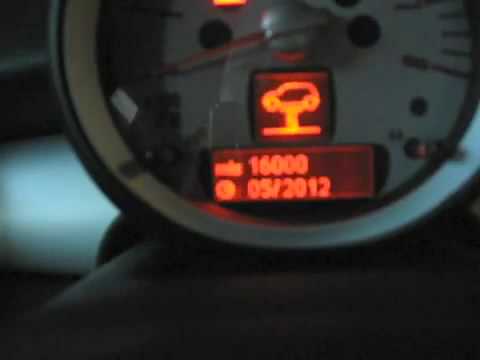
Mini
(2007-2014 /
R57, R55, R56)
In order to reset the Service warning light on the Mini R56, you need to turn on the car's instrument panel, so that you can move around the menu on …

Mini
(2007-2014 /
R57, R55, R56)
In order to successfully carry out the manual reset of the service light on your 2013 Mini Cooper R56, you must follow these simple steps. First of a…
Mini
(2007-2014 /
R57, R55, R56)
The Mini R56 service warning light is reset by turning on the car's instrument panel and pressing the BC button on the lever to the left of the steer…
Other guides you may be interested in
|
How to Top Up the Radiator Fluid on Mercedes Vito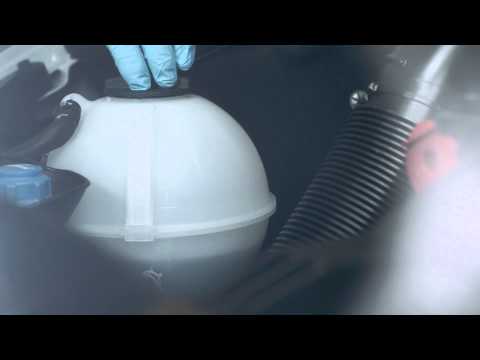
Learn how to top up the fluid in the cooling radiator reservoir on a Mercedes Vito yourself to save on labour costs. First, pull the plastic lever located at the bottom left of the dashboard, lift the bonnet and secure it with the metal prop. Locate the cap for topping up the fluid in the radiator reservoir (unscrew it). Using a funnel, top up with screen wash fluid and close the reservoir cap. Close the engine cover after maintenance. Test the correct functioning of the maintenance performed previously. by ScegliAuto More videos
|

|
For advertising on this site Write to info@scegliauto.com
ScegliAuto is not responsible for any inaccuracy of the data in the lists. To report any inaccuracy or your business (if you own the business in question), please write to info@scegliauto.com
Number of seconds to generate the page: 0.160
(c) ScegliAuto 2026 - info@scegliauto.com - Privacy policy VAT number: IT01247470535 |
