
|
Do it yourself
| |||
| ||||


How to reset the brake service in the Mini Countryman?
Model: Mini Mini
Countryman2, F60
- Years 2017-2023
In this tutorial, we can see how to reset the brake service in the Mini Countryman, a very simple and quick operation, to be performed only once the required scheduled maintenance work is completed. First of all, let's go inside the cabin, then insert the key and turn on the instrument panel. Then, press and hold the button on the speedometer to enter the maintenance menu, scroll through the various available services, and once we reach the one related to the brake pads, perform the reset by holding down the same button. Finally, restart the vehicle.
Posted on 22 September 2023 by ScegliAuto
Video tutorial
Related tutorials
Mini
(2017-2023 /
Countryman2, F60)
In this tutorial, we can see how to reset the brake service in the Mini Cooper, an extremely simple and quick operation, to be carried out only after…
Mini
(2010-2016 /
Countryman1, R60)
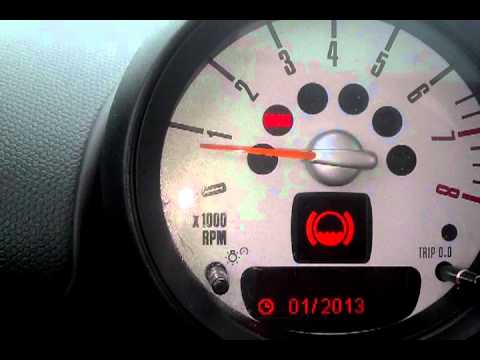
In this short video we will see the instructions that will allow us to reset the brake wear service light on the Mini Countryman R60, but also on the…
Mini
(2017-2023 /
Countryman2, F60)
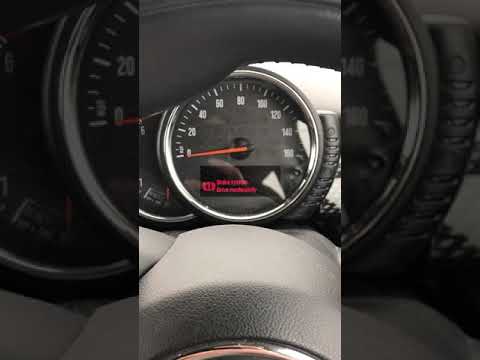
In this tutorial, we can see how to reset the brake service in the Mini Cooper, an extremely simple and quick operation. Before proceeding, make sure…
Other guides you may be interested in
|
How to Replace the Brake Pads on a BMW X3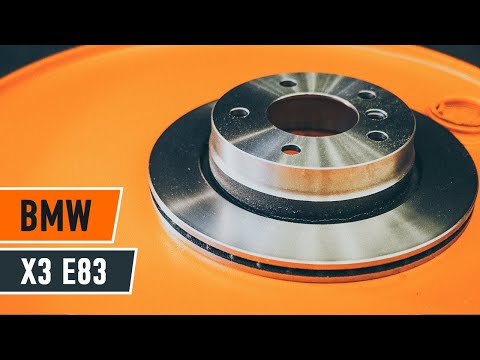
For this operation, you will need to remove the wheel where you will perform the replacement, so it will be convenient to lift your vehicle and place it on jack stands; this way, you will work much more comfortably. To remove the spring that holds the front pads, use a flathead screwdriver. Now, unscrew the bolts that secure the piston to the pads, then remove it, giving you access to both pads that brake the rotor. Of course, repeat the same steps on the other side if the same replacements are needed. by ScegliAuto More videos
|

|
For advertising on this site Write to info@scegliauto.com
ScegliAuto is not responsible for any inaccuracy of the data in the lists. To report any inaccuracy or your business (if you own the business in question), please write to info@scegliauto.com
Number of seconds to generate the page: 0.107
(c) ScegliAuto 2026 - info@scegliauto.com - Privacy policy VAT number: IT01247470535 |
