
|
Do it yourself
| |||
| ||||


How to reset the brake pad wear indicator light on the Mini Cooper.
Model: Mini Mini
R55, R57, R56
- Years 2007-2014
Today we will see the steps that will allow us to reset the brake pad warning light on the Mini Cooper. First of all, we get on board the car and turn on the instrument panel; then we press the button on the instrument panel until we reach the brake pad replacement warning, as shown in the video. At this point, we hold down the instrument panel button to reset the brake pad warning; then we turn off the panel and subsequently turn on the engine, making sure that the brake light has been reset from the instrument panel!
Posted on 22 September 2023 by ScegliAuto
Video tutorial
Related tutorials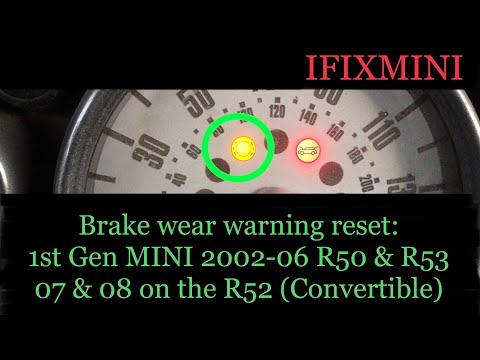
Mini
(2001-2007 /
R53, R50, R52)
Let's find out below the instructions that will allow us to reset the brake pad wear warning light of the Mini Cooper. First of all we get on board t…

Mini
(2001-2007 /
R53, R50, R52)
On the Mini Cooper R520, R52, and R53 versions, we have a warning light that indicates brake pad wear. It is certainly a very useful warning light, b…
Mini
(2014-2023 /
F55, F56, F57, F54)
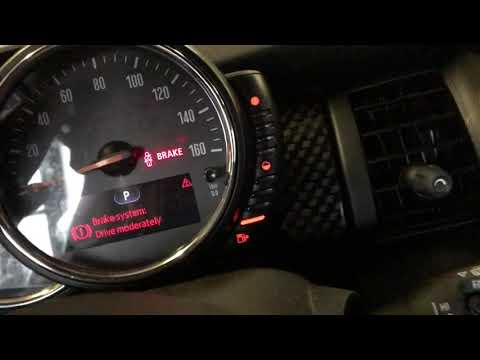
In this tutorial we can see how to reset the brake pad change light in the Mini Cooper. This should only be done after completing the required mainte…
Other guides you may be interested in
|
How to Replace the Bulbs on a Nissan Almera Rear Light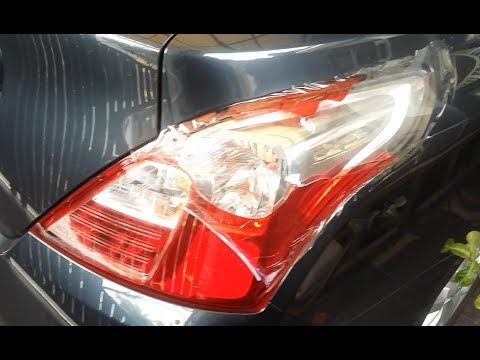
Do you want to change the damaged bulb of a rear light on a Nissan Almera? Follow this video carefully to proceed correctly. Open the boot, remove the fabric side covering, and detach the plastic rivets on the covering. Unscrew the retaining bolts of the rear light using a socket spanner. Once the light is free from the bolts, pull the rear light out of the metal housing, then disconnect the power cable. Place the stop light on a comfortable surface and replace all worn bulbs. To refit the rear light, position it in its housing and tighten all screws after reconnecting the lighting connector. by ScegliAuto More videos
|

|
For advertising on this site Write to info@scegliauto.com
ScegliAuto is not responsible for any inaccuracy of the data in the lists. To report any inaccuracy or your business (if you own the business in question), please write to info@scegliauto.com
Number of seconds to generate the page: 0.055
(c) ScegliAuto 2026 - info@scegliauto.com - Privacy policy VAT number: IT01247470535 |
