
|
Do it yourself
| |||
| ||||


How to Replace the Key Battery of a Mini Cooper
Model: Mini Mini
F56, F57, F54, F55
- Years 2014-2023
The steps to replace the key battery of a Mini Cooper are: - First step, remove the metal key by pulling it out; - Second step, use a flat-head screwdriver to open the cover; - Third step, insert the screwdriver into the slot and pull outwards to open the battery protection cover; - Fourth step, insert the new battery (a CR2032) into the remote and close the cover; - Fifth step, close the outer cover and insert the metal key back in.
Updated on 25 August 2026 by ScegliAuto
This video is currently unavailable
Related tutorials
Mini
(2007-2014 /
R56, R55, R57)
Good morning, today’s goal is to replace the key battery on our Mini Cooper. Start by prying off and removing the back cover of the key using a thin …
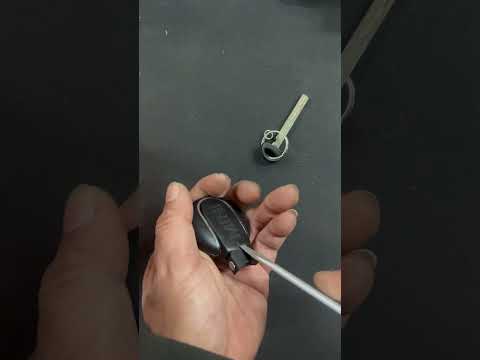
Mini
(2014-2023 /
F56, F57, F54, F55)
When the Mini Cooper key stops working, the cause is usually a flat battery. Once replaced, the key will function again. Start by extracting the meta…
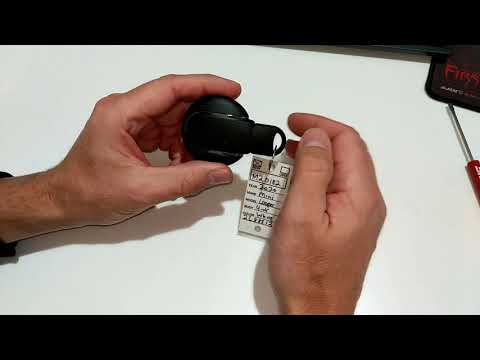
Mini
(2014-2023 /
F56, F57, F54, F55)
To replace the battery of the Mini Cooper remote, press the button on the top of the device to extract the key from its housing. Once the key is remo…
Other guides you may be interested in
|
How to Replace the Remote Battery for the Volvo XC40?
In this tutorial, you will see how to replace the battery in the remote for the Volvo XC40, a very simple and quick operation. For this, you will need a replacement battery of type CR2032 and possibly a small flathead screwdriver. First, remove the front cover by pressing the button on the metal ring, then locate the second button, press it as well, and remove the opposite cover. Next, open the circular cap, take out the old battery, and insert the new one in the opposite direction. Finally, reassemble everything. by ScegliAuto More videos
|
|
For advertising on this site Write to info@scegliauto.com
ScegliAuto is not responsible for any inaccuracy of the data in the lists. To report any inaccuracy or your business (if you own the business in question), please write to info@scegliauto.com
Number of seconds to generate the page: 0.157
(c) ScegliAuto 2026 - info@scegliauto.com - Privacy policy VAT number: IT01247470535 |
