
|
Do it yourself
| |||
| ||||


Mitsubishi L 200 - Brake rotorsBrake Rotors Mitsubishi L 200 (2005-2015 / mk 2)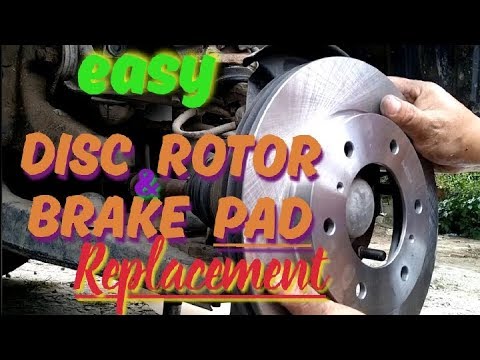 Mitsubishi L 200 (2005-2015 / MK 2)
Removing Brake Disc from Mitsubishi L200 This guide covers the main steps to remove and replace the rear brake discs on a Mitsubishi L200. First, lift the vehicle and undo the wheel bolts to remove …Read all… Posted on 26 May 2026 by ScegliAuto 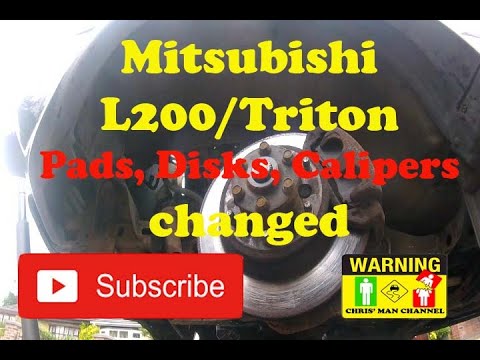 Mitsubishi L 200 (2005-2015 / MK 2)
How to Replace the Brake Disc on L200 Removing the brake disc from a Mitsubishi L200? Start by removing the front wheel. Lift the vehicle on a column lift to the desired height, then remove the …Read all… Posted on 25 April 2026 by ScegliAuto Shocks (1) Car stereo (1) Body (3) Control unit (1) Key (2) Timing belt (7) Onboard computer (2) Checks and maintenance (4) Throttle body (1) Dashboard (2) Bearing (4) Differential (2) Brake rotors (2) Headlight (1) Air filter (3) Cabin air filter (1) Diesel fuel filter (1) Oil filter (4) Window switch (1) Tail light bulb (2) Instrument panel light (1) Starter motor (1) Engine oil (5) Clock (1) Door trim panel (4) Front bumper (1) Brake pads (3) Wheel (5) Fuse box (21) Side mirror (2) Warning light – error code (1) Service warning light (37) Fuel cap (2) Cylinder head (1) Center console tunnel (1) EGR valve (1) Steering wheel (1) |
How to Replace the Gear Knob on the Citroen C3 2015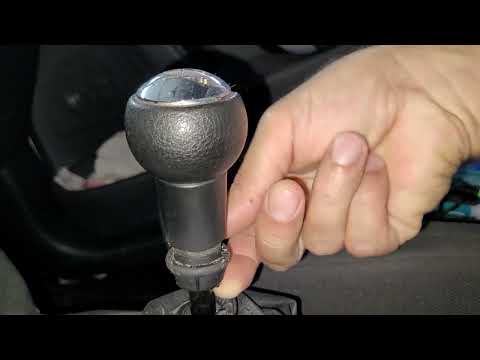
In this mini guide, you will learn how to correctly replace the gear knob on your 2015 Citroen C3. First, ensure you purchase a new gear knob that is fully compatible with your vehicle. Then, enter the cabin and use a flat screwdriver (or a key) to remove the plastic cover from the gear lever. Next, break the safety clip and remove the leather cover. At this point, you can detach the gear knob and replace it with the new one. by ScegliAuto More videos
|
|
For advertising on this site Write to info@scegliauto.com
ScegliAuto is not responsible for any inaccuracy of the data in the lists. To report any inaccuracy or your business (if you own the business in question), please write to info@scegliauto.com
Number of seconds to generate the page: 0.008
(c) ScegliAuto 2026 - info@scegliauto.com - Privacy policy VAT number: IT01247470535 |
