
|
Do it yourself
| |||
| ||||


How to Replace a Headlight Bulb on the Mitsubishi Zinger
Model: Mitsubishi Zinger
MK 1
- Years 2005-2024
If you notice that a front headlight bulb is not working, you can replace it by following the steps below and referring to the images in the video. First, open the hood and locate the headlight assembly with the burnt-out bulb. Reach behind the headlight and unscrew the protective cover. Under it, you will find the electrical connector for the bulb, which needs to be disconnected. Then, press the metal clip that holds the bulb to remove it. Take a new bulb with the same specifications, place it in the housing, and reattach the clip. Reconnect the electrical connector and close the protective cover.
Updated on 1 July 2026 by ScegliAuto
Video tutorial
Related tutorials
Mitsubishi Zinger
(2005-2024 /
MK 1)
In this video, you will learn how to create a raised platform in the trunk of the Mitsubishi Zinger. If you want to gain more space in your Mitsubish…
Mitsubishi Zinger
(2005-2024 /
MK 1)
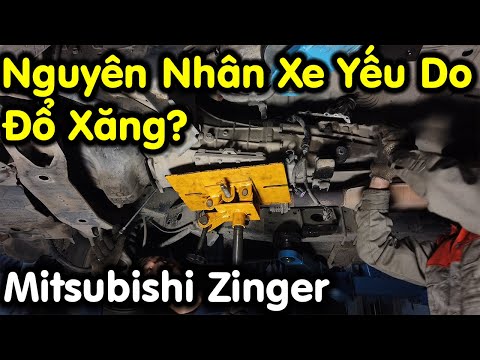
To replace the clutch on the Mitsubishi Zinger, you need to lift the car to access the components in the lower part of the engine compartment. It wil…
Mitsubishi Zinger
(2005-2024 /
MK 1)
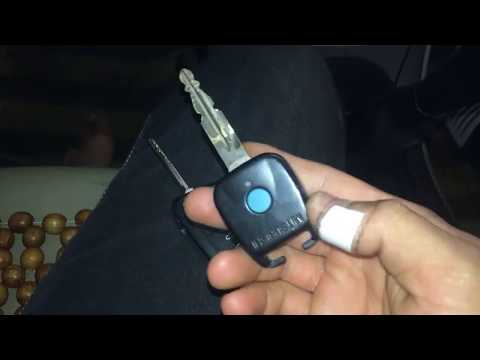
To reprogram the remote for the Mitsubishi Zinger, insert the key into the ignition switch and turn it between the 'On' and 'Off' positions four time…
Other guides you may be interested in
|
How to Reset the Tyre Pressure Light on the Opel Grandland X
While driving, if you notice the tyre pressure warning light coming on, first check the actual inflation pressure of the tyres and, if necessary, restore the pressures recommended by the manufacturer. After restoring the correct pressures, you need to reset the warning light that has illuminated on the instrument cluster. To do this, locate the reset button on the lower central console. Press this button and hold it down for at least 3 seconds, after which the low pressure indication will turn off. by ScegliAuto More videos
|
|
For advertising on this site Write to info@scegliauto.com
ScegliAuto is not responsible for any inaccuracy of the data in the lists. To report any inaccuracy or your business (if you own the business in question), please write to info@scegliauto.com
Number of seconds to generate the page: 0.138
(c) ScegliAuto 2026 - info@scegliauto.com - Privacy policy VAT number: IT01247470535 |
