
|
Do it yourself
| |||
| ||||


How to Replace the Rear Brake Pads on a Moto Guzzi V7
Model: Moto Guzzi V7 Iii
Video tutorial
Follow these instructions to remove and replace the rear brake pads on your Moto Guzzi V7. First, place your bike on the centre stand and start unscrewing the bolts securing the rear brake caliper, removing it from the disc. Next, remove the old brake pads by pressing the caliper piston to retract it, as shown in the video. Now, install the new high-quality brake pads and finally refit the rear brake caliper!
Updated on 17 June 2026 by ScegliAuto
Related tutorials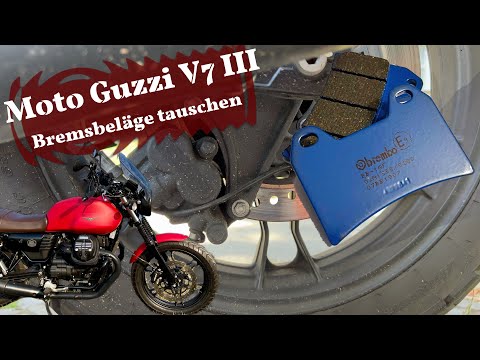
V7 Iii
To replace the rear brake pads on the Moto Guzzi V7 III, loosen the bolts securing the brake caliper to the corresponding wheel disc. Once these bolt…
V7 Iii
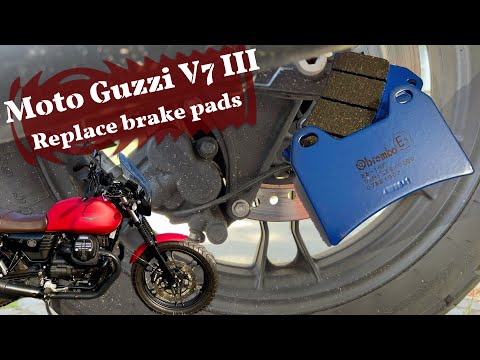
In this guide, you will learn how to remove and replace the rear brake pads on the Moto Guzzi V7 III in simple and quick steps. First, place your mot…
V7 Iii
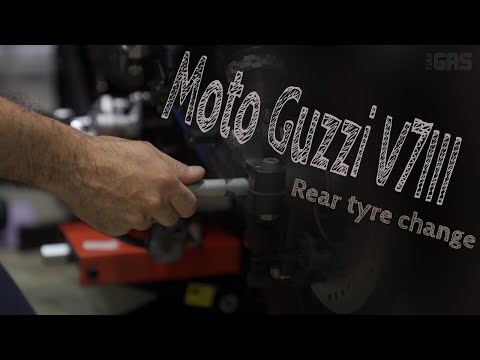
To replace the rear wheel on the Moto Guzzi V7III, you need to loosen the bolts that secure the exhaust to its housing so that it can be completely r…
|
How to Change the Engine Oil on a Kymco Xtown 300?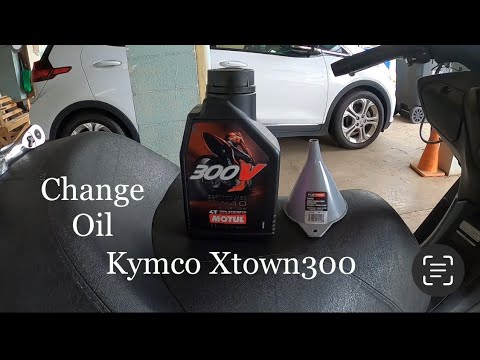
To change the engine oil on a Kymco Xtown 300, loosen the drain plug of the oil reservoir, located at the central lower part of the bike: once loosened, you can collect the engine oil in a suitably positioned container. After all the oil has drained, you can also remove the oil filter from underneath and replace it with a new spare part; then, top up by adding the new oil through the filler located on the right side of the bike, near the exhaust. by ScegliAuto More videos
|
|
For advertising on this site Write to info@scegliauto.com
ScegliAuto is not responsible for any inaccuracy of the data in the lists. To report any inaccuracy or your business (if you own the business in question), please write to info@scegliauto.com
Number of seconds to generate the page: 0.006
(c) ScegliAuto 2026 - info@scegliauto.com - Privacy policy VAT number: IT01247470535 |
