
|
Do it yourself
| |||
| ||||


How to Reset the Tyre Pressure Warning Light on Nissan Vehicles
Model: Nissan Nissan Various
The task performed by the protagonist of the uploaded tutorial video should be repeated periodically by car owners to ensure they do not have under-inflated tyres, thus driving safely. Now that this has been clarified, we can observe what image appears on the vehicle's onboard computer, with the pressure value displayed next to each depicted wheel. If even one is not compliant, the warning light will illuminate, and to turn it off, inflate the tyre using an air compressor with a pressure gauge, easily found at petrol stations, etc. This is sufficient to deactivate the error.
Posted on 4 February 2026 by ScegliAuto
Video tutorial
Related tutorials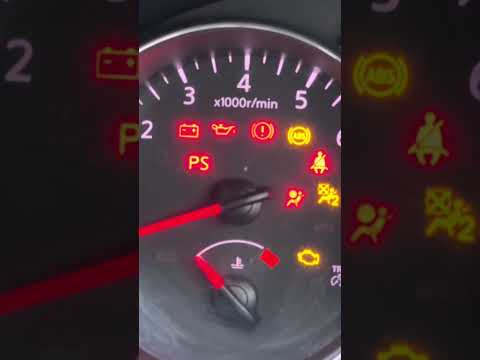
Nissan Nissan Various
In this video, you will learn how to reset the airbag warning light on any Nissan vehicle: the procedure is the same for all models. Turn the ignitio…

Nissan Nissan Various
Today we will explain how to adjust the radio clock on Nissan vehicles produced from 2012 to 2016. To adjust the time, we need to turn on the instrum…
Nissan Nissan Various
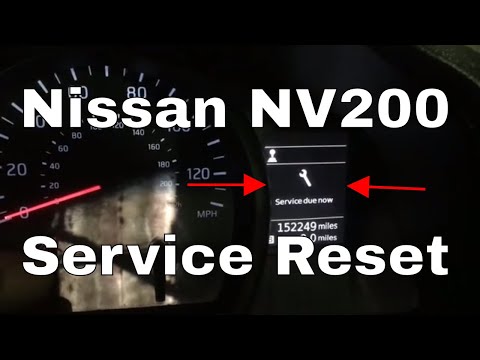
Begin by turning on the ignition without starting the engine. This will cause the service light to flash on the multifunction display. After a short …
Other guides you may be interested in
|
How to Open a Stuck Boot on the Peugeot 407?
On the Peugeot 407, the boot may become stuck, possibly due to a problem with the control button or the lock actuator. In such cases, you can perform an emergency opening by following the simple procedure shown in this tutorial. First, open the rear doors, then lower the seat back by operating the release lever. Next, go inside the boot, locate the lock, and manually operate it using a flathead screwdriver. The boot will then be free to open. by ScegliAuto More videos
|
|
For advertising on this site Write to info@scegliauto.com
ScegliAuto is not responsible for any inaccuracy of the data in the lists. To report any inaccuracy or your business (if you own the business in question), please write to info@scegliauto.com
Number of seconds to generate the page: 0.072
(c) ScegliAuto 2026 - info@scegliauto.com - Privacy policy VAT number: IT01247470535 |
