
|
Do it yourself
| |||
| ||||


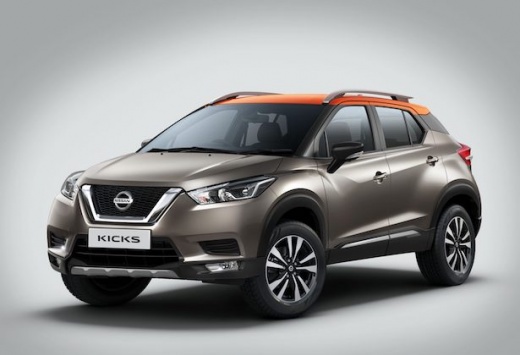
How to Reset the Oil Light on the 2021 Nissan Kicks
Model: Nissan Kicks
P15, D15
- Years:
2016, 2017, 2018, 2019, 2020, 2021, 2022, 2023, 2024
Video tutorial
Below is the procedure to manually reset the engine oil light on your 2021 Nissan Kicks. First, get in the car and reach the driver's seat, then turn on the ignition. Use the directional buttons on the left side of the steering wheel to access the onboard menu list. At this point, select "Maintenance" and then click on "Oil and filter." Finally, select "Reset" and confirm the manual reset of the engine oil light to complete the procedure.
Posted on 16 March 2026 by ScegliAuto
Related tutorials
Nissan Kicks
(2016-2024 /
P15, D15)
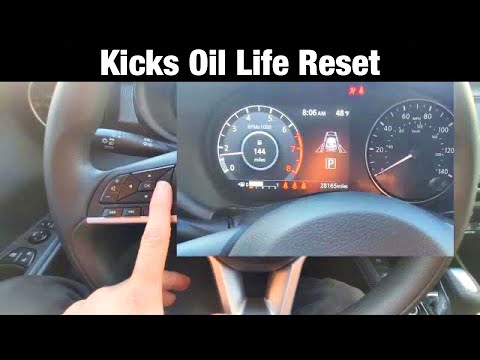
This guide describes the procedure you need to follow to correctly complete the manual reset of the engine oil light on your Nissan Kicks. First, get…
Nissan Kicks
(2016-2024 /
P15, D15)
If the oil light on the instrument cluster of your Nissan Kicks turns on and you want to reset it manually, follow this simple procedure. First, ente…

Nissan Kicks
(2016-2024 /
P15, D15)
Replacing the headlight bulb on your Nissan Kicks is a straightforward task that you can easily complete yourself by following these steps. First, pa…
ScegliAuto offers an extensive international collection of automotive tutorials available in 12 languages. Each guide combines instructional videos with original explanations written by experienced human editors, along with information about the car models covered.
Other guides you may be interested in
|
How to replace a windscreen wiper on a Renault Clio 5
Replace either windscreen wiper on your Renault Clio Mk5 by following these steps. Park the car on a level surface and switch it off completely. Go outside and lift the wiper you intend to replace. Release the central safety clip and remove the old wiper blade. Fit the replacement blade correctly and lower it onto the windscreen. Test that it works correctly to complete the job. by ScegliAuto More videos
|
|
For advertising on this site Write to info@scegliauto.com
ScegliAuto is not responsible for any inaccuracy of the data in the lists. To report any inaccuracy or your business (if you own the business in question), please write to info@scegliauto.com
Number of seconds to generate the page: 0.060
(c) ScegliAuto 2026 - info@scegliauto.com - Privacy policy - About us VAT number: IT01247470535 |
