
|
Do it yourself
| |||
| ||||


How do you reset the infotainment system of the Opel Combo?
Model: Vauxhall Combo
MK 5, Combo E
- Years 2019-2026
To completely reset the infotainment system of the Opel Combo, it will be possible to select the settings option on the menu that will appear on the central display of the dashboard, after the ignition key has been inserted into the corresponding slot. Then, it will be possible to select the settings option through the touch command: you will then need to select the "System settings" option and in the screen that will appear next, you will need to select the "Reset" option. This way, the system will be completely reset and it will then be possible to turn off the instrument panel.
Posted on 17 September 2025 by ScegliAuto
Video tutorial
Related tutorials
Vauxhall Combo
(2019-2026 /
MK 5, Combo E)
Let's see how to reset the tire pressure warning light (TPMS) on an Opel/Vauxhall Combo E via the infotainment system: turn on the instrument panel, …

Vauxhall Combo
(2019-2026 /
MK 5, Combo E)
It will be possible to reset the infotainment system of the Opel Combo by turning on the instrument panel: once it has been turned on, you can naviga…
Vauxhall Combo
(2012-2018 /
MK 4, Combo D)
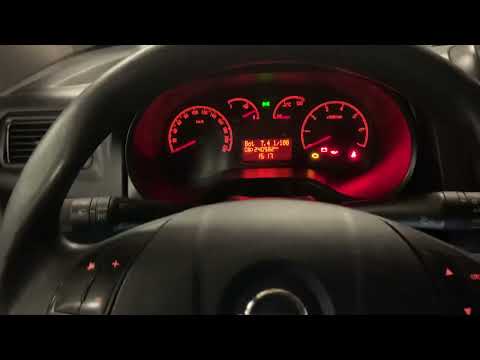
In today's video we see how to proceed to reset the service light in the Opel Combo; this tutorial also applies to the Fiat Doblò twin of the time. …
Other guides you may be interested in
|
Resetting the Tyre Pressure Light on a Fiat 500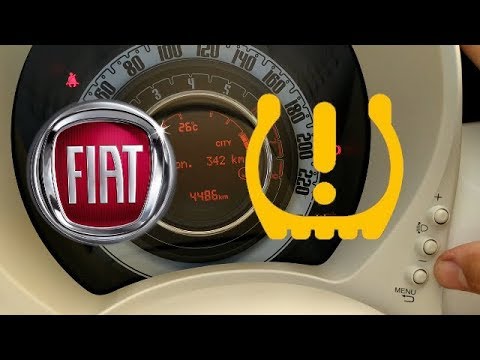
In this brief and simple video tutorial, you will learn how to reset the tyre pressure warning light on a Fiat 500. First, get into your vehicle and navigate to the menu by pressing the appropriate button: go to the tyre pressure option and click again. Then click 'yes' again, and it will automatically perform the procedure to reset the tyre pressure warning light! Remember, before carrying out this operation, check for any faults with the tyres: resolve the issue and then reset the light! by ScegliAuto More videos
|
|
For advertising on this site Write to info@scegliauto.com
ScegliAuto is not responsible for any inaccuracy of the data in the lists. To report any inaccuracy or your business (if you own the business in question), please write to info@scegliauto.com
Number of seconds to generate the page: 0.100
(c) ScegliAuto 2026 - info@scegliauto.com - Privacy policy VAT number: IT01247470535 |
