
|
Do it yourself
| |||
| ||||



How to change the battery of the Opel Corsa
Model: Vauxhall Corsa
Corsa E
- Years:
2014, 2015, 2016, 2017, 2018, 2019
Video tutorial
To replace the battery of an Opel Corsa (D or E), we find the battery in the engine compartment on the right side, covered by an integrated fuse box, which we will remove. Then we disconnect the battery terminals, always starting with the negative one, then the positive one. We lift the fuse block; to access the fastening nut, we need to move the engine control unit, which is located above it. We can now loosen the 13 mm fastening nut, and at this point, the battery is free and we can remove it (remember that it is quite heavy, between 15 and 20 kg). We clean the terminals with a wire brush, place the new battery in the housing, orienting it correctly, put the fastening clamp back on, replace the ECU, and reconnect the terminals (positive first and then negative). We put the fuse box back in place and check that everything is functioning correctly.
Posted on 14 January 2026 by ScegliAuto
Related tutorials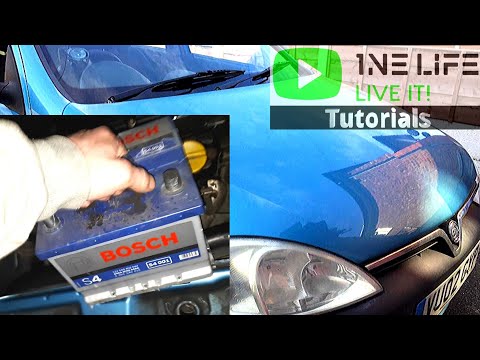
Vauxhall Corsa
(2000-2006 /
Corsa C)
What to do when the battery is dead? Here’s how to remove the battery from an Opel Corsa. Lift the car's bonnet and secure it. Remove the battery cov…
Vauxhall Corsa
(2000-2006 /
Corsa C)
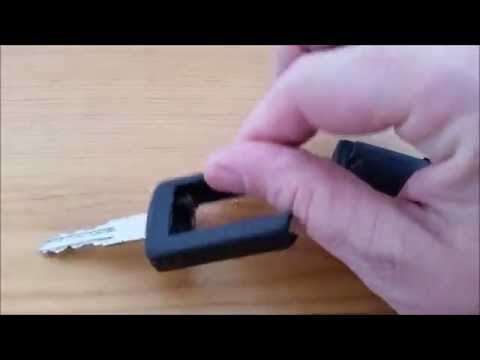
Learn how to change the battery in an Opel Corsa key. Remove the cover plastics to access the key battery. Use a screwdriver to pry between the two p…

Vauxhall Corsa
(2006-2014 /
Corsa D)
Below are the instructions that will allow you to change the dipped beam bulb of the front headlight on the Opel Corsa. First, open the vehicle's bon…
Other guides you may be interested in
|
How to Change the Time on the Peugeot 208
Today's guide will show you how to set the clock on the Peugeot 208's onboard computer, following the instructions below. First, get in the car and turn on the instrument panel; then press and hold the settings button on the panel for a few seconds until the time starts to flash, as shown in the video. At this point, press the left button to correctly set the time, adjusting the hour first and then the minutes; exit the onboard computer menu to save all the changes made! by ScegliAuto More videos
|
|
For advertising on this site Write to info@scegliauto.com
ScegliAuto is not responsible for any inaccuracy of the data in the lists. To report any inaccuracy or your business (if you own the business in question), please write to info@scegliauto.com
Number of seconds to generate the page: 0.158
(c) ScegliAuto 2026 - info@scegliauto.com - Privacy policy VAT number: IT01247470535 |
