
|
Do it yourself
| |||
| ||||



Removing and Replacing the Interior Handle of an Opel Corsa D
Model: Vauxhall Corsa
Corsa D
- Years:
2006, 2007, 2008, 2009, 2010, 2011, 2012, 2013, 2014
Video tutorial
To remove the interior handle of an Opel Corsa D, you need to take off the door panel; use a flat screwdriver to lift the rectangular cover inside the handle and unscrew the Torx screw located underneath. Near the lock, you will find a second cover and a second screw: repeat the operation. At the bottom on the outer side of the panel, remove a third screw. Remove the cover from the armrest handle and take out the two Torx screws underneath. Remove the wiper control and unclip all the clips around the panel, starting from the lower edge. Disconnect the speaker connector and the lock control cable. At the back of the panel, you will see the interior handle connected to a metal arm and a steel cable leading to the lock. Remove the spring clip and push it outwards with a screwdriver. Now you can unclip the handle. Also unclip the lock cable for easier handling. To fit the new handle, which you may have purchased on Amazon with code B0FN3Q9GZX for £6.63 with free delivery, follow the reverse process: insert the handle into its housing, reconnect the lock cable, insert the metal pin to connect the handle to the transmission arm, and refit the spiral spring. Now, reattach the panel, reconnecting the cables, inserting the top part first, aligning the clips, and screwing in all the screws.
Posted on 26 August 2026 by ScegliAuto
Related tutorials
Vauxhall Corsa
(2006-2014 /
Corsa D)
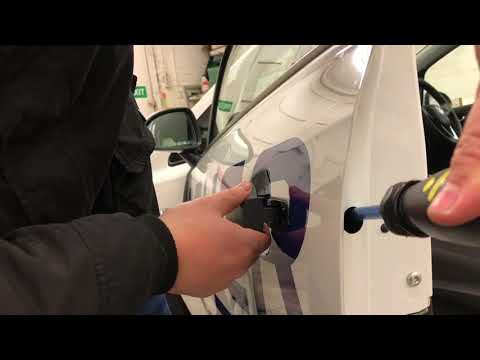
Removing the internal handle of the Opel Corsa D is very simple. First, remove the door panel as you will be working inside it. To remove the panel, …
Vauxhall Corsa
(2006-2014 /
Corsa D)
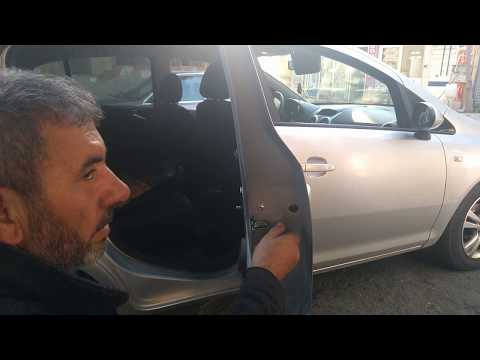
Do you want to remove the external handle of the Opel Corsa? Open the car door and locate where and how to remove the external handle. Remove the cov…
Vauxhall Corsa
(2006-2014 /
Corsa D)
How to remove and replace the door handle of an Opel Corsa (right rear side)? Unscrew the securing screws in the door using a screwdriver (as shown i…
Other guides you may be interested in
|
How to Set the Time in an Audi A4?
In this tutorial, you will see how to set the time in an Audi A4, a very simple and quick operation to perform after replacing the battery or when the time changes. First, insert the key and turn on the instrument cluster. Then, press the "SETUP" button located on the center console. Next, press the upper left arrow button, navigate to the "Time" option, and use the central knob to adjust the clock. Finally, set any necessary formats and save by returning to the main screen. by ScegliAuto More videos
|
|
For advertising on this site Write to info@scegliauto.com
ScegliAuto is not responsible for any inaccuracy of the data in the lists. To report any inaccuracy or your business (if you own the business in question), please write to info@scegliauto.com
Number of seconds to generate the page: 0.648
(c) ScegliAuto 2026 - info@scegliauto.com - Privacy policy VAT number: IT01247470535 |
