
|
Do it yourself
| |||
| ||||


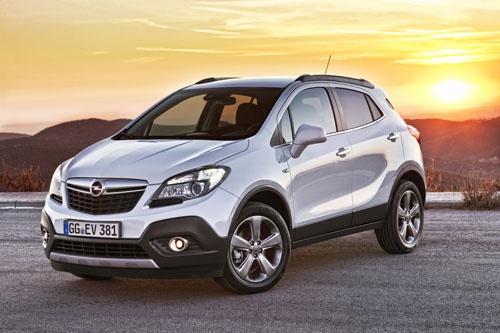
How to Replace the Buttons on an Opel Mokka Remote?
Model: Vauxhall Mokka
Mokka A
- Years 2012-2019
Video tutorial
Detailed instructions - You can replace the buttons on an Opel Mokka remote by using a tool like a screwdriver to pry off the rubber buttons completely. Once the old buttons are removed, you can position the new ones. The rubber should be inserted into its housing to ensure it adheres well to the walls and does not affect the button operation. After installation, press the buttons to verify that everything works.
Posted on 5 October 2026 by ScegliAuto
Related tutorials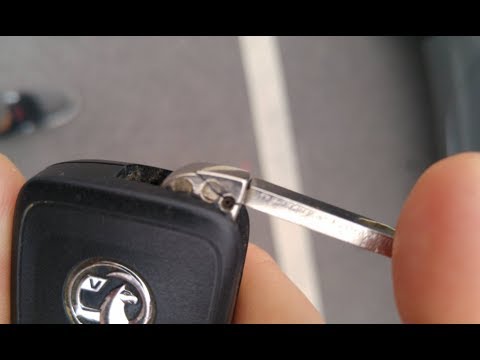
Vauxhall Mokka
(2012-2019 /
Mokka A)
Need to replace the key battery of an Opel Mokka? Here’s how to disassemble the key for replacement. Take your ignition remote and remove the metal k…
Vauxhall Mokka
(2012-2019 /
Mokka A)
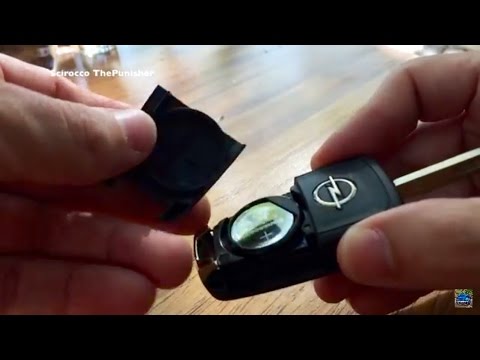
To replace the key remote battery on an Opel Mokka, follow these steps: take the remote and press the button to release the metal key. Once the metal…

Vauxhall Mokka
(2012-2019 /
Mokka A)
Today, we will discover the steps and instructions that will allow us to disassemble and replace the key shell and remote of the Opel Mokka. First, t…
Other guides you may be interested in |
How to Adjust the Handbrake on a BMW 1 Series?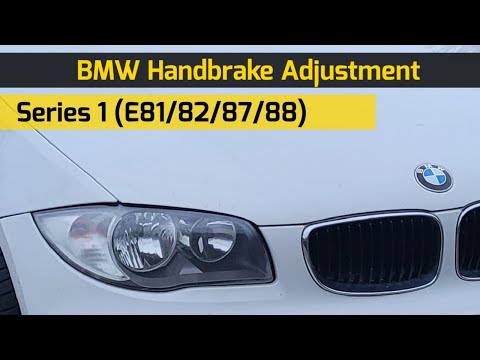
To adjust the handbrake on a BMW 1 Series, use a tool to pry off the leather cover that wraps around the base of the handbrake lever. Once this cover is removed, you will be able to locate the spring that regulates the handbrake tension. At this point, adjust the nut located at the base of the spring: tightening the nut will make the handbrake firmer and reduce the lever's travel. Conversely, loosening the nut will decrease the handbrake's firmness and increase the lever's travel. by ScegliAuto More videos
|
|
For advertising on this site Write to info@scegliauto.com
ScegliAuto is not responsible for any inaccuracy of the data in the lists. To report any inaccuracy or your business (if you own the business in question), please write to info@scegliauto.com
Number of seconds to generate the page: 0.054
(c) ScegliAuto 2026 - info@scegliauto.com - Privacy policy VAT number: IT01247470535 |
