
|
Do it yourself
| |||
| ||||


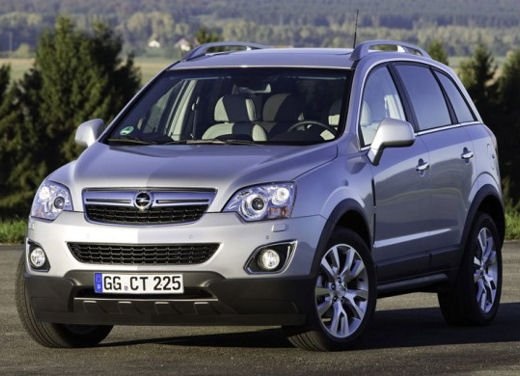
How to Program the Remote Control of the Opel Antara
Model: Vauxhall Antara
MK 1
- Years:
2006, 2007, 2008, 2009, 2010, 2011, 2012, 2013, 2014, 2015
Video tutorial
This guide shows how to program the remote control of the Opel Antara. To perform this operation, you need to use a specific key programming device, such as the SKP-900. After connecting it to the vehicle's OBD port, select the car brand and follow the on-screen instructions. This device will explain the procedure step by step on the service display. After waiting for the configuration, insert the keys to be programmed and follow the instructions. Once the procedure is complete, check the correct operation. Repeat the entire process if it does not work.
Updated on 1 May 2026 by ScegliAuto
Related tutorials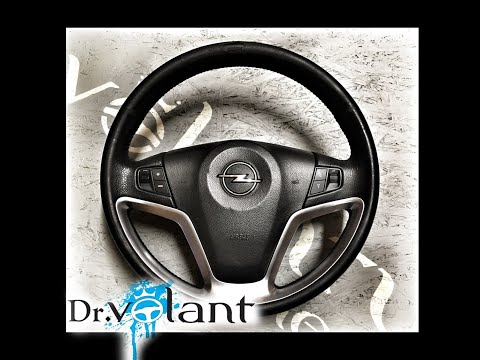
Vauxhall Antara
(2006-2015 /
MK 1)
Before you can begin, disconnect the positive terminal of the battery of your Opel Antara to work safely. Start by sitting in the driver's seat, then…

Vauxhall Antara
(2006-2015 /
MK 1)
Today's guide will show you how to reset the maintenance warning (service) light on the Opel Antara. First, get in the vehicle and turn on the igniti…
Vauxhall Antara
(2006-2015 /
MK 1)
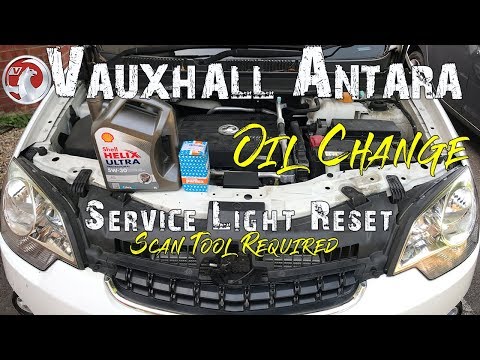
Before you can begin, open the front bonnet of your Opel Antara. Start by unscrewing and removing the top bolt of the oil filler. Next, put the car i…
Other guides you may be interested in |
How to open the fuel cap of a Fiat Panda that is stuck
In this video, we see how to open the fuel door of a Fiat Panda that is stuck and cannot be opened from the outside. This is a rather serious problem because it prevents us from refueling. We will definitely have to have the fuel door repaired by a body shop, but how can we refuel in the meantime. Fortunately, Fiat technicians have thought of this possibility. Just open the rear hatch, and once opened, we notice that on the passenger side, there is a small loop made of a red cord, which is located right at the fuel door: pull it and it will open, allowing us to refuel. by ScegliAuto More videos
|
|
For advertising on this site Write to info@scegliauto.com
ScegliAuto is not responsible for any inaccuracy of the data in the lists. To report any inaccuracy or your business (if you own the business in question), please write to info@scegliauto.com
Number of seconds to generate the page: 0.072
(c) ScegliAuto 2026 - info@scegliauto.com - Privacy policy VAT number: IT01247470535 |
