
|
Do it yourself
| |||
| ||||


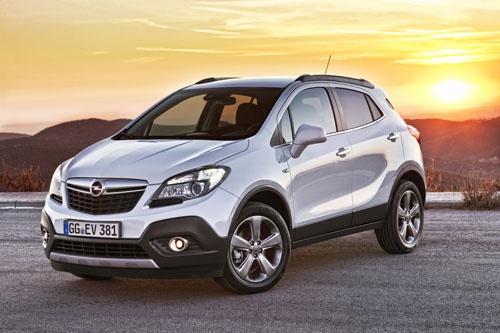
Replacement of the rear brake pads of the Opel Mokka
Model: Vauxhall Mokka
Mokka A
- Years 2012-2019
Today we will see, in this video tutorial, how to remove and replace the rear brake pads of the Opel Mokka, following these simple steps. First of all we lift the car on the rear side and start by removing the wheel; then unscrew the two fixing screws of the brake caliper, levering the piston to make it retract, as shown in the video. At this point we remove the stops and brake pads, replacing them with new ones (of excellent quality); now let's clean up the residual dirt and reassemble everything, applying the reverse procedure!
Posted on 15 February 2022 by ScegliAuto
Video tutorial
Related tutorials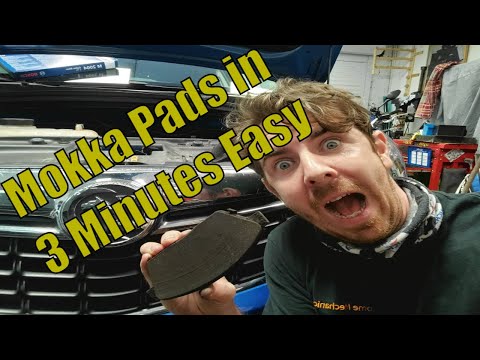
Vauxhall Mokka
(2012-2019 /
Mokka A)
Let's briefly see how to remove and replace the front brake pads of the Opel Mokka first series, in simple and quick steps. First we lift the car and…
Vauxhall Mokka
(2012-2019 /
Mokka A)
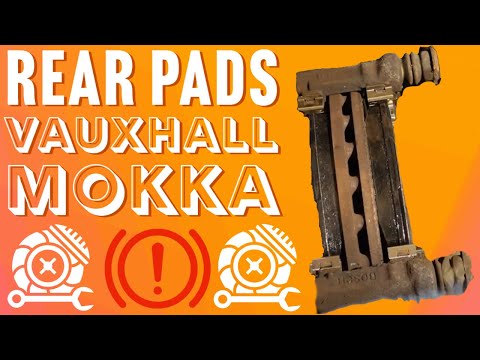
Today we will see the step by step instructions for removing and replacing the rear brake pads of the Opel Mokka first series. First we go to unscrew…
Vauxhall Mokka
(2012-2019 /
Mokka A)
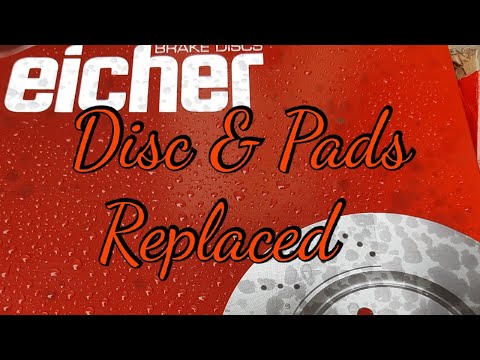
Today we will see the main steps that will allow us to remove and replace the rear brake discs and pads on the Opel Mokka first series. First we lift…
Other guides you may be interested in
|
How to Remove the Gear Knob on an Opel Astra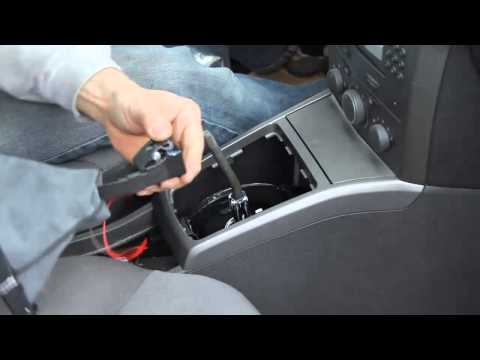
How to replace the gear knob on an Opel Astra? Follow these steps: use a plastic lever to disconnect the leather gaiter frame (if you need to replace it). Grip the knob with both hands and pull it upwards (with a strong and decisive motion) until it comes off the gear stick. For installation: fit the new gaiter and position it on the centre tunnel, take the new knob and push it onto the stick, tightening it until fully threaded. Test the movement of the stick on the centre tunnel to ensure the knob is correctly fitted. by ScegliAuto More videos
|
|
For advertising on this site Write to info@scegliauto.com
ScegliAuto is not responsible for any inaccuracy of the data in the lists. To report any inaccuracy or your business (if you own the business in question), please write to info@scegliauto.com
Number of seconds to generate the page: 0.063
(c) ScegliAuto 2026 - info@scegliauto.com - Privacy policy VAT number: IT01247470535 |
